It was a beautiful few days at the new Cosmopolitan Hotel in Las Vegas. The focus of the conference was on new technology, globalization and on-line presence with standout presentations from Evaristo Garcia, Shane Evangelist and Dil Kulathum.
Doug Winsby presented an overview of PIES and delivering XML at one of the Knowledge Breakout Sessions. Let us know if you’d like a copy of the Excel file used in the presentation (we no longer include a download because it incudes vba code and so would probably be rejected by your network defenses).
Continuing our winning tradition, AceMapper customers were recognized with 2 “Best in Class” awards.
(Note that some of the slides are “built-up” and so may not display exactly as in the talk.)
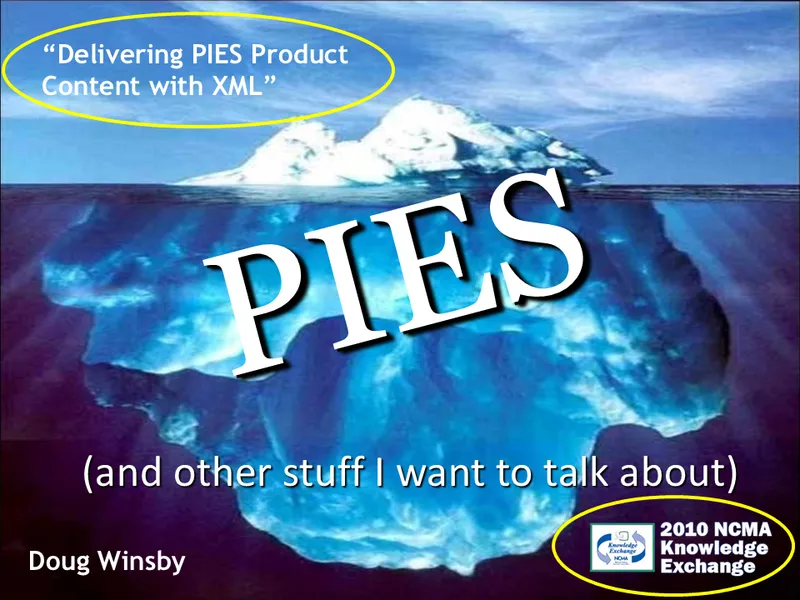
This is the title screen from a talk I delivered two years ago at NCMA titled “Delivering PIES Product Content with XML”.
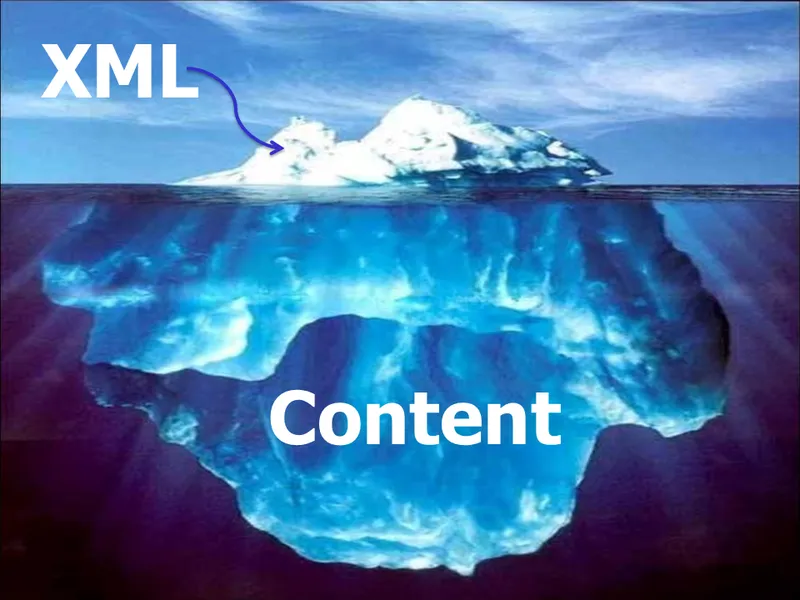
My intent was to show that XML is really just the tip of the iceberg.
Content is really the crux of the matter when it comes to delivering PIES data.
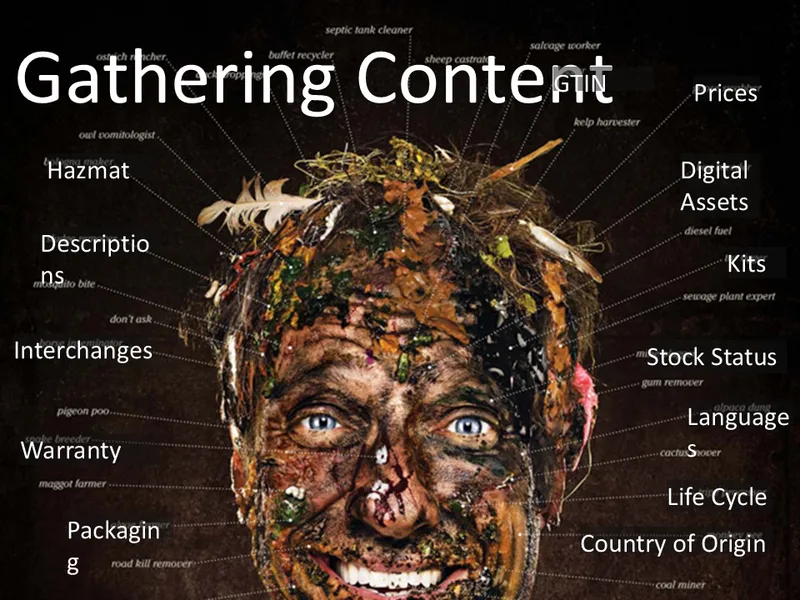
There’s no getting around it, generating rich content, and keeping it updated, is a big job.
Here are just a few of the categories of data you’ll be asked to locate.

One of the biggest challenges is just the enormity of the task.
Product data is all around us, in “data silos” spread throughout your organization.
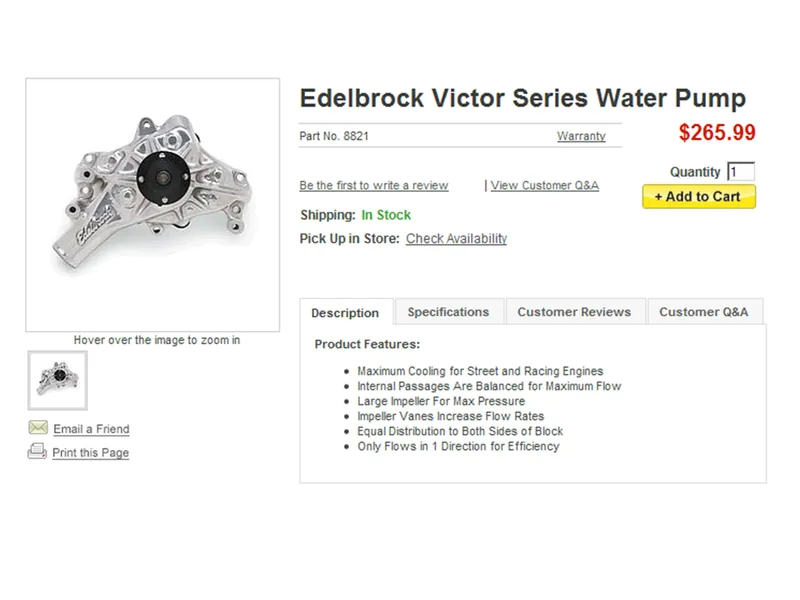
Here is an example of a water pump listing from two years ago.
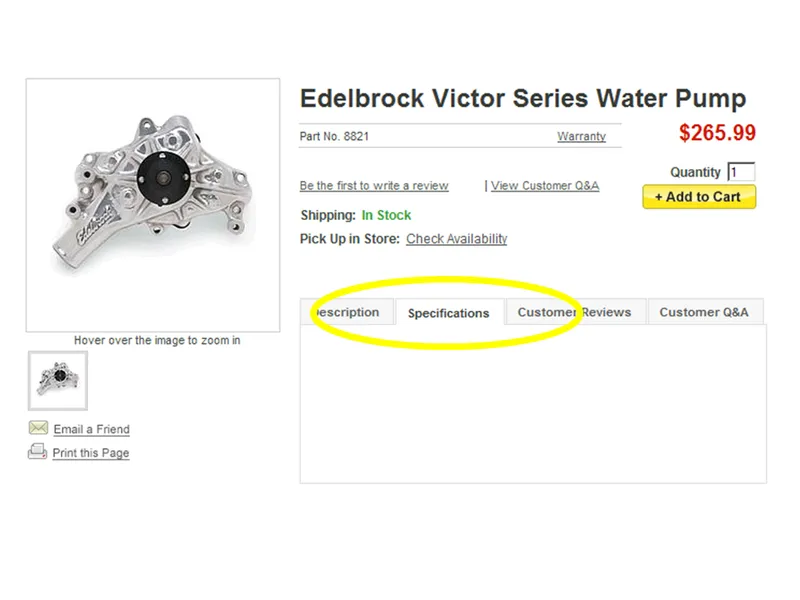
Notice they had no specs at that time.
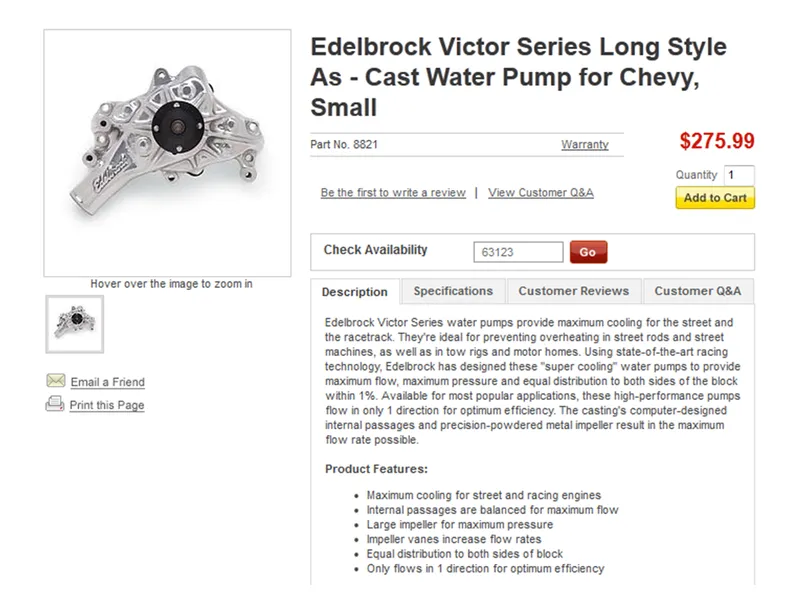
Now they have additional marketing copy…
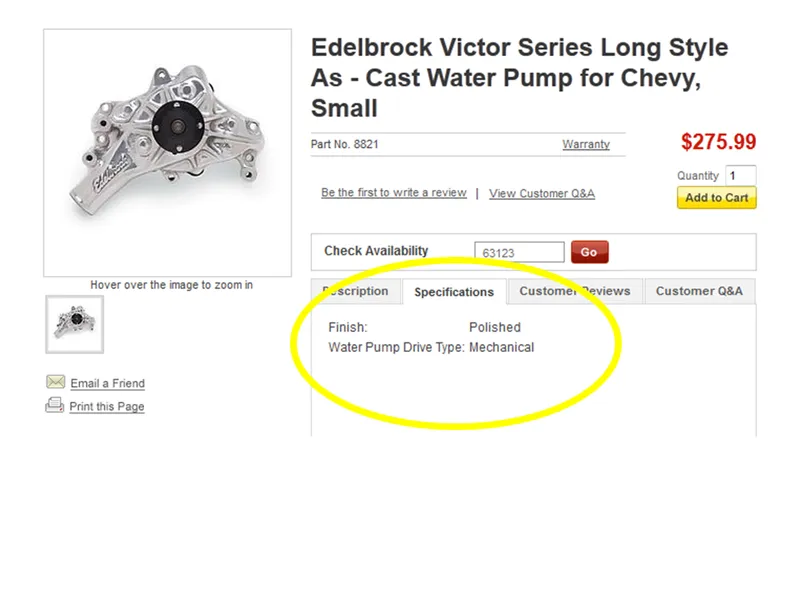
And specification data! (Nice job Edelbrock.)
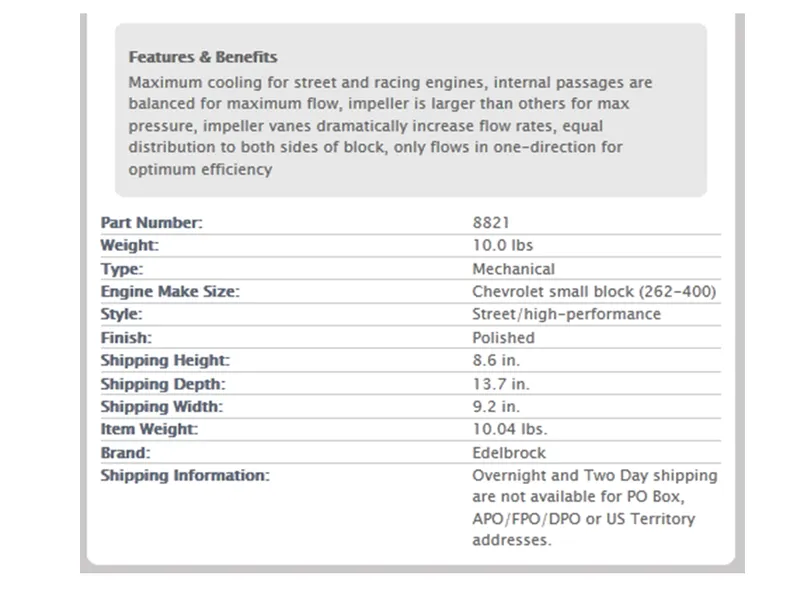
Here are some other sites showing the same information.
Notice they all have their own way of displaying it.
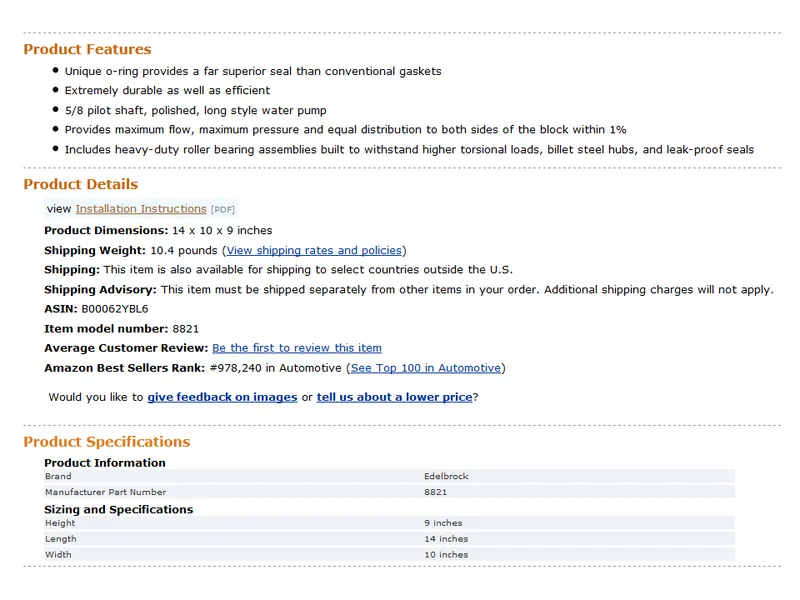
This is great! It shows that retailers can get the same information from suppliers, but display it however they feel is best for thier customers.
You’ve heard a lot about product attributes in the past few days.
This has been called the biggest project since the compilation of the VCdb.
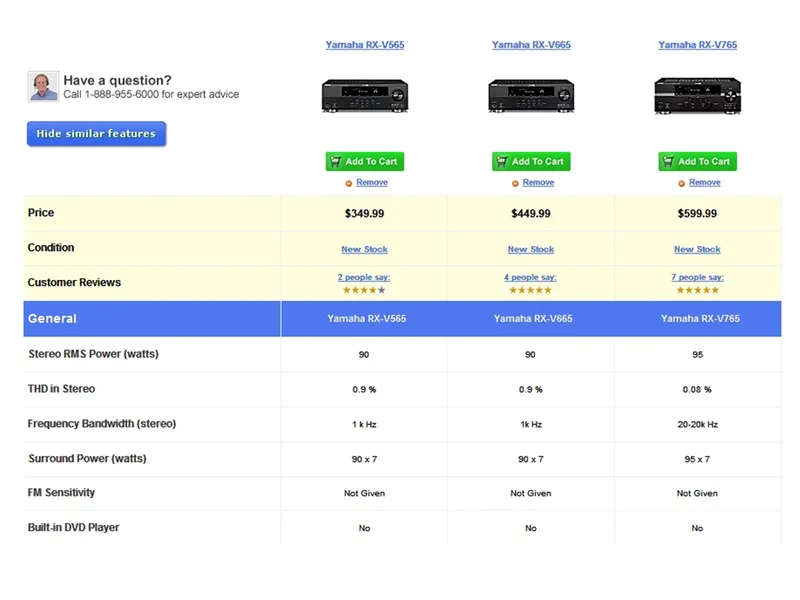
In my opinion, the ability to compare products based on attribute data is really the “killer feature” of these web sites.
Maybe we’ll be able to do this someday for auto parts.

This was the only slide I had about xml two years ago.
Today, I’m going to concentrate a bit more on the “blah, blah, blah” part. But before I do that, I thought I’d talk for a few minutes about some xml alternatives in use today.
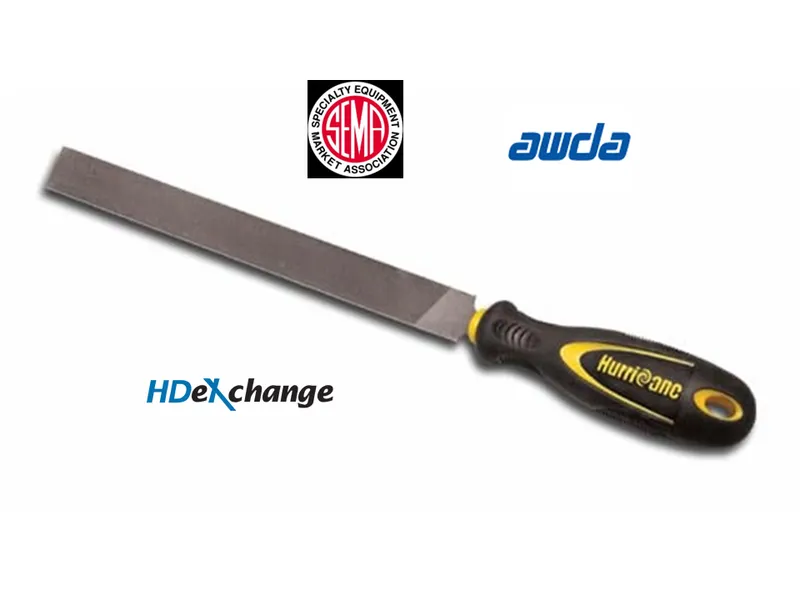
This is a “Flat File”. It is very good for smoothing out rough edges.
It is not very good for delivering electronic data.
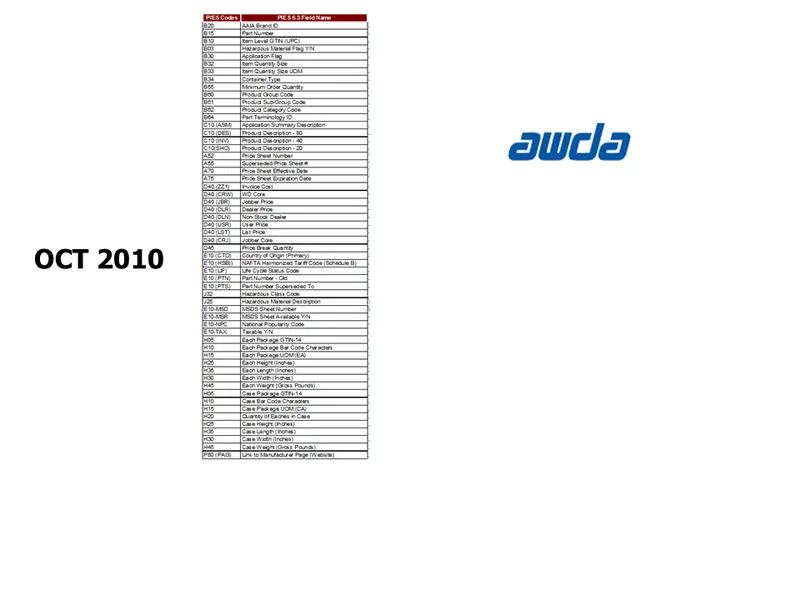
Here is one example of a problem with a flat-file format.
This was the AWDA format in October of 2010.
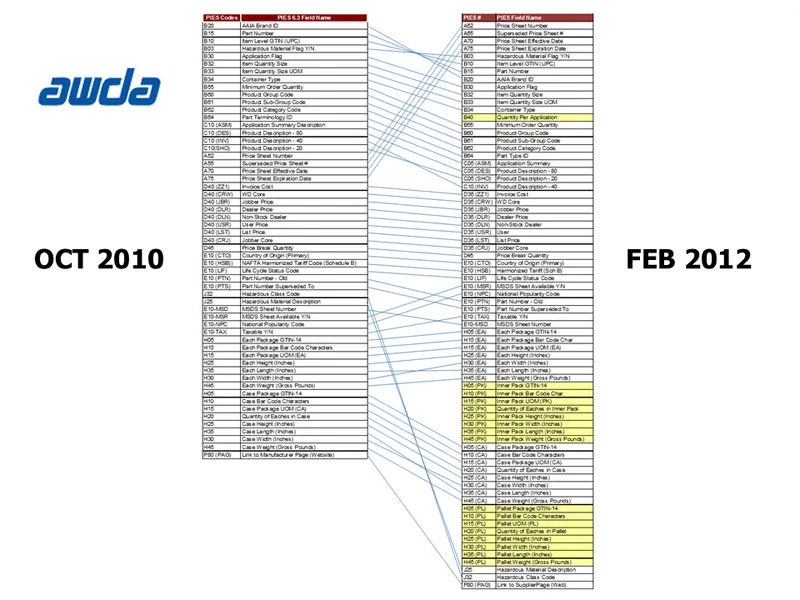
And this is that same format sixteen months later.
Think of the work required by systems on both ends to support these changes.
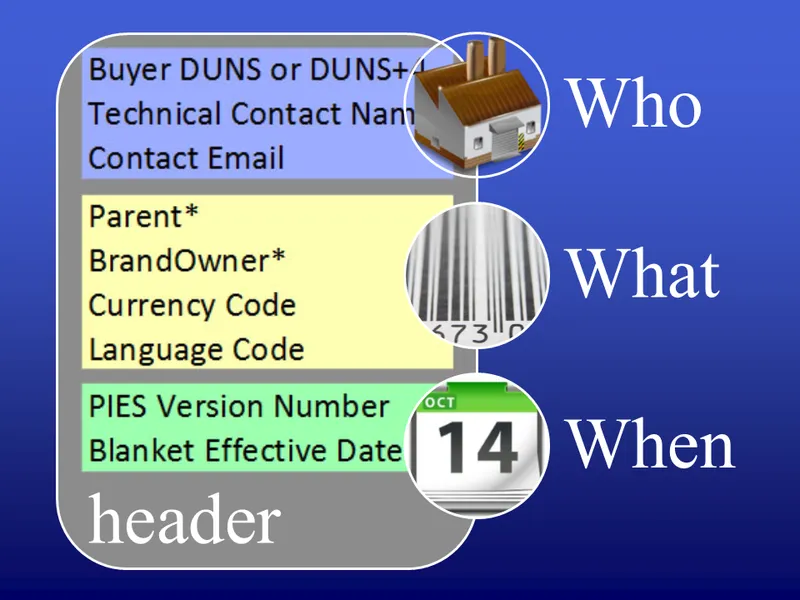
One nice feature xml has that is not easily duplicated in a flat-file format, is the ability to have sections (and even sub-sections).
Here we are showing some elements available in the PIES “Header” to define the “who”, “what”, “when” about the information being delivered.
Many small companies continue to manage (or prepare for distribution) their product data in Excel.
Excel is a powerful tool, but you can shoot yourself in the foot with it.
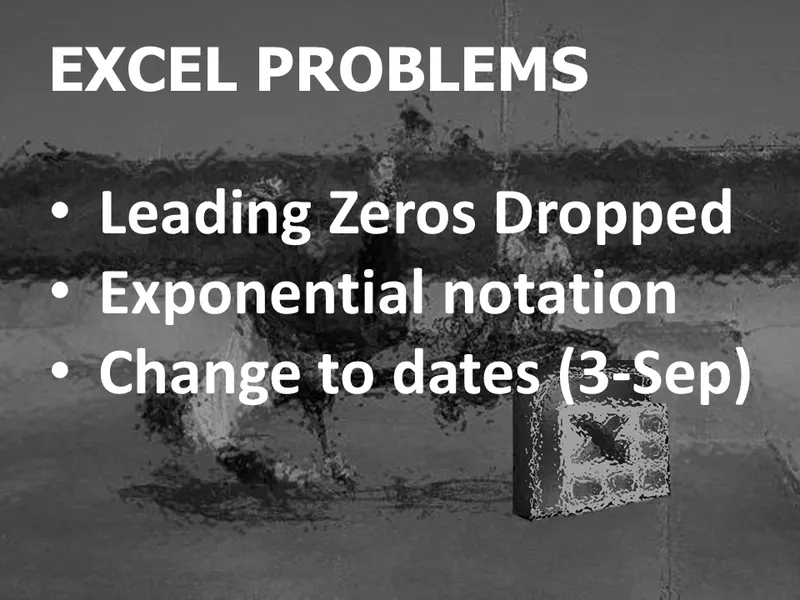
Here are the main issues we see when data is maintained in Excel and exported to a text file format.
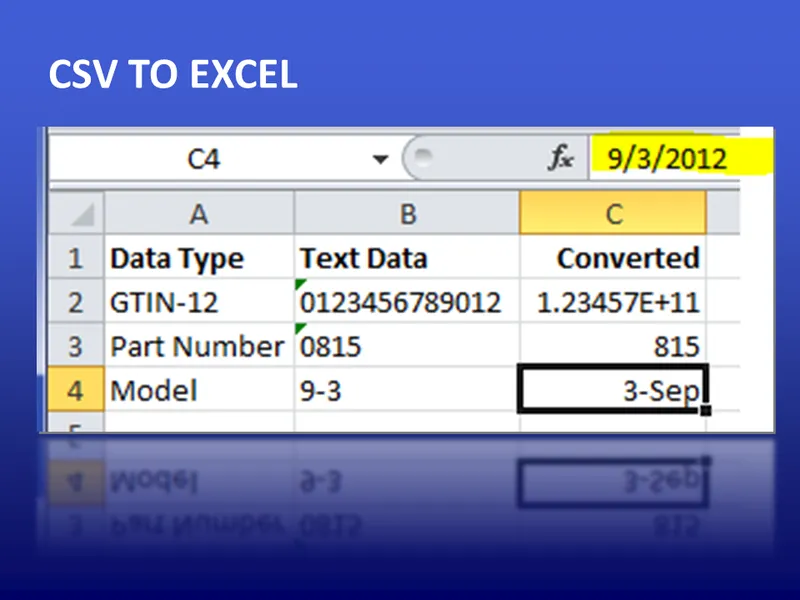
This can completely mangle your data.
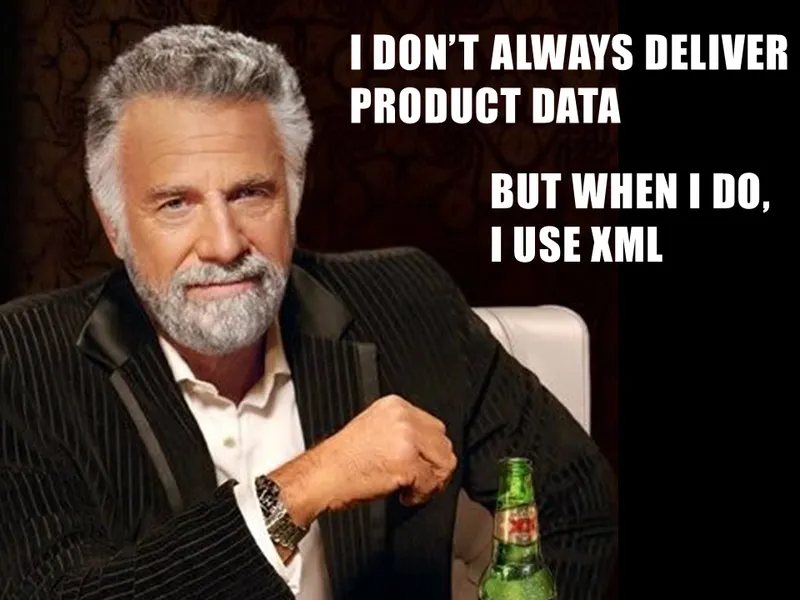
We should probably listen to the “Most Interesting Man in the World”.
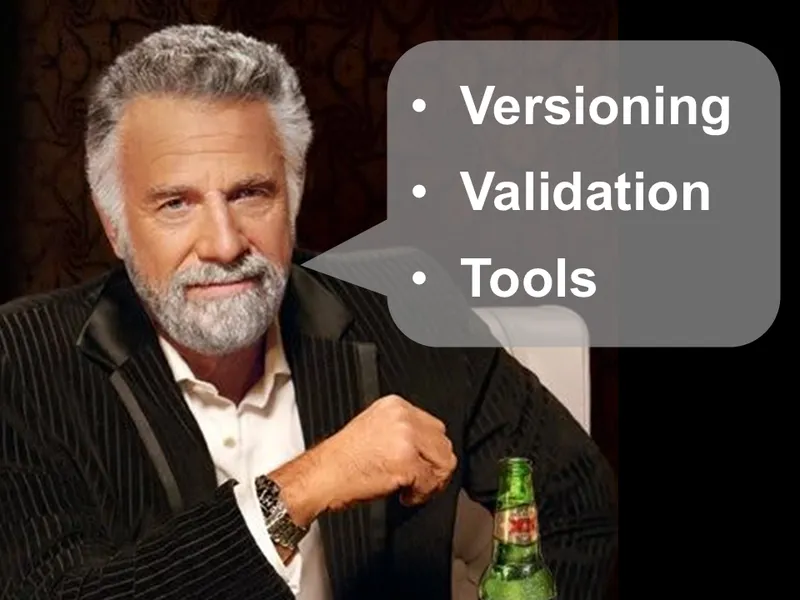
XML has strong tooling including Versioning, Validation and many supported tools.
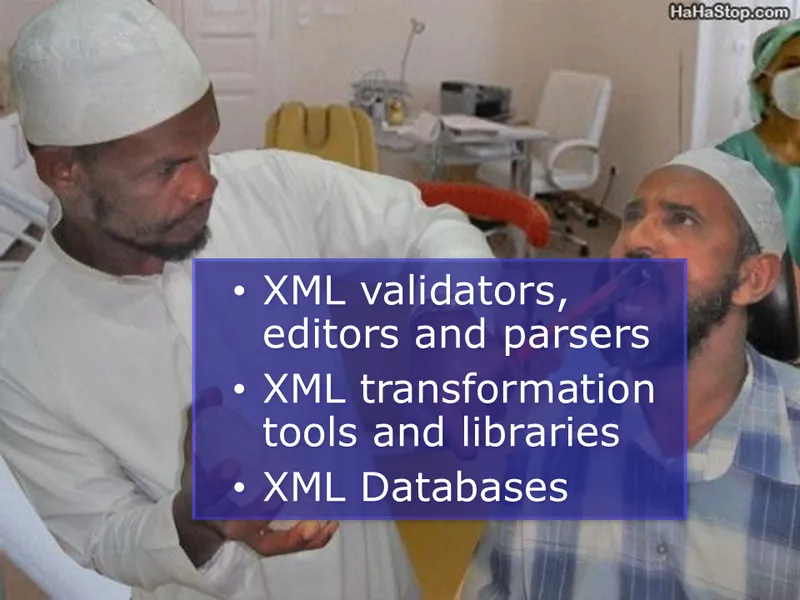
Use the right tool for the job.
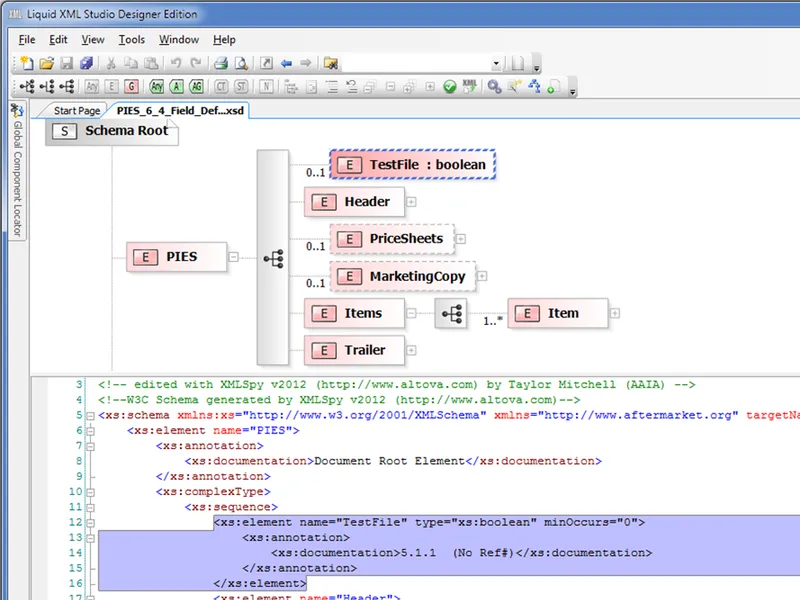
Here is an example of a commercial tool that shows xml schemas in a visual format.
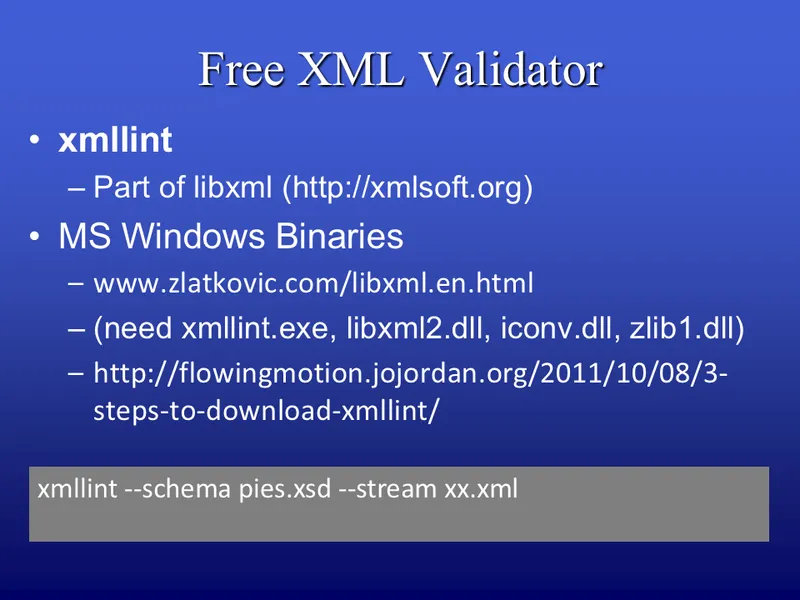
There are also free tools available.
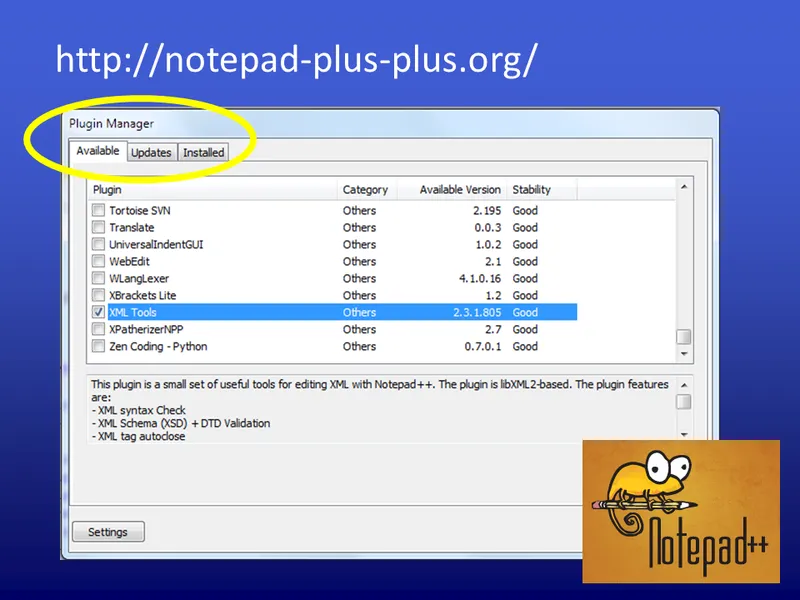
Notepad++ is a very popular editor with an xml plug in.
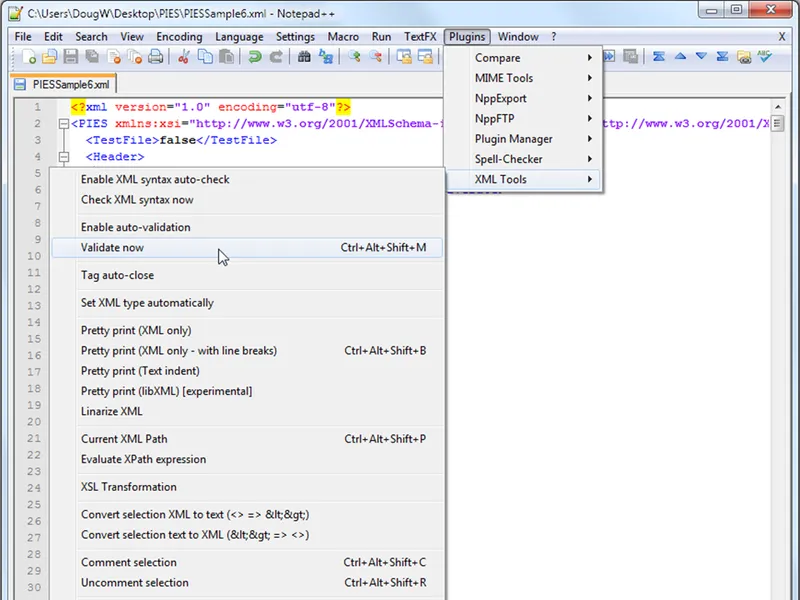
This shows how it can validate the xml for correctness…
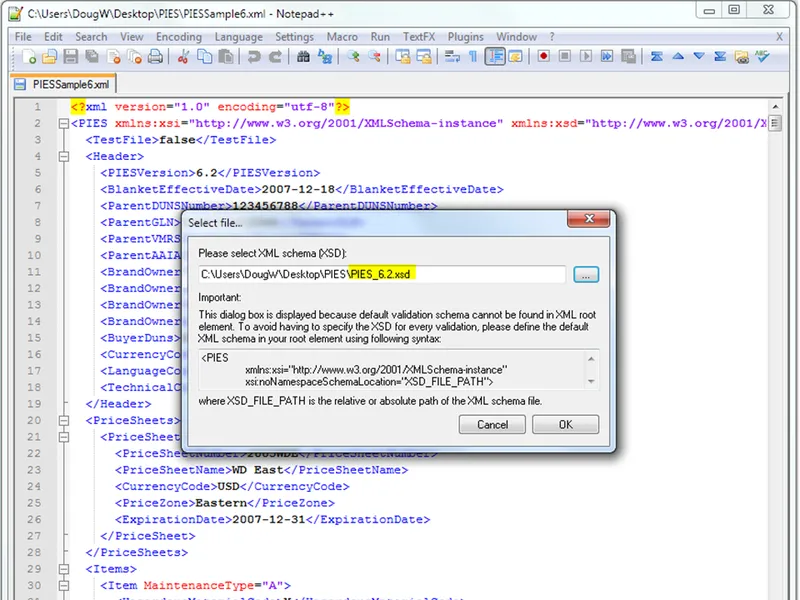
But it can also validate against an xsd…
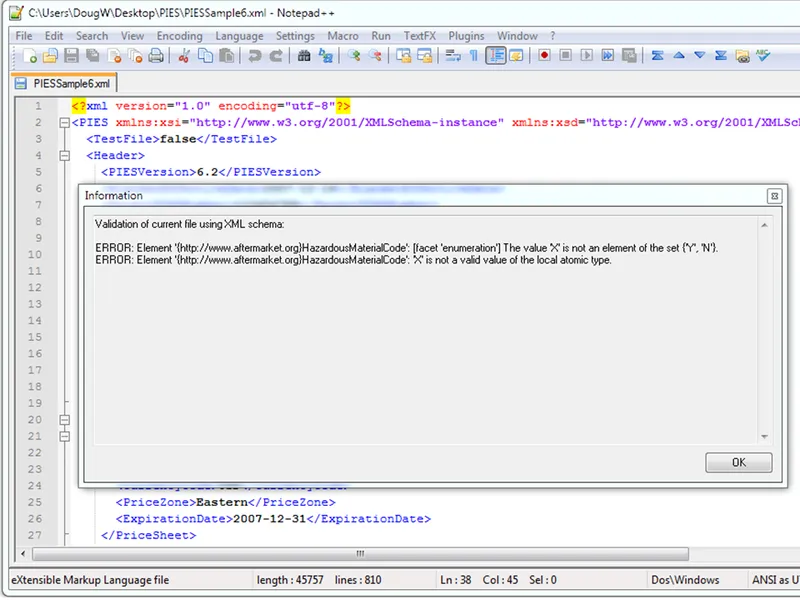
Here it found an error with a Hazardous Material Code value.
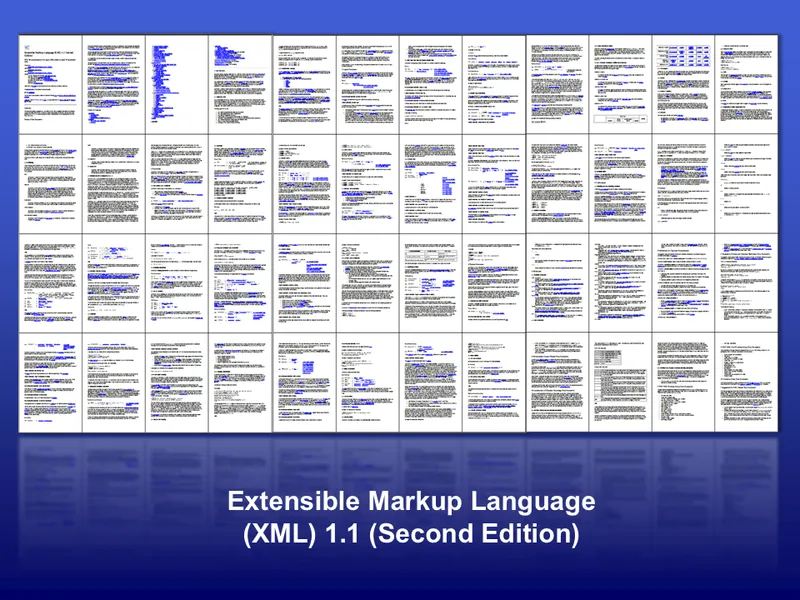
This is the entire xml 1.1 specification.
I’m going to go over all of it! (just kidding)
First, some definitions…
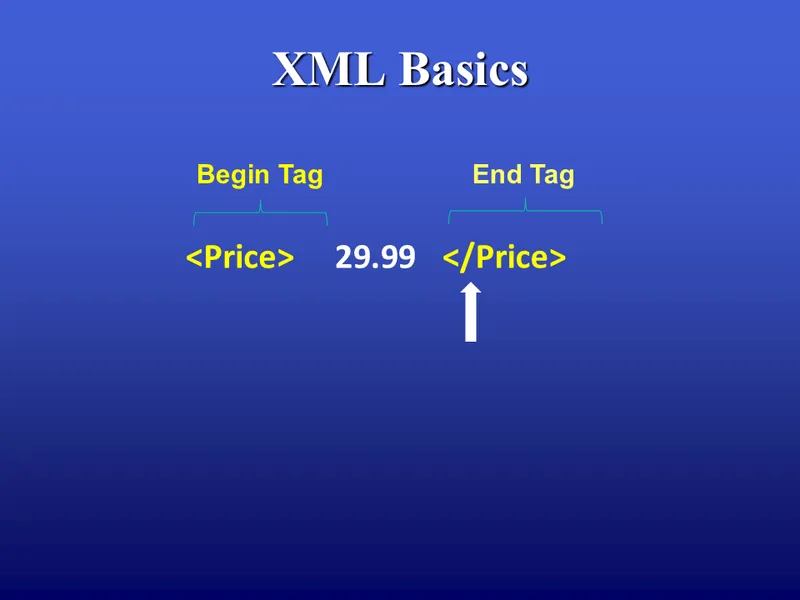
xml is a “markup language” which means you add “tags” to delimit and define the data contained in the file.
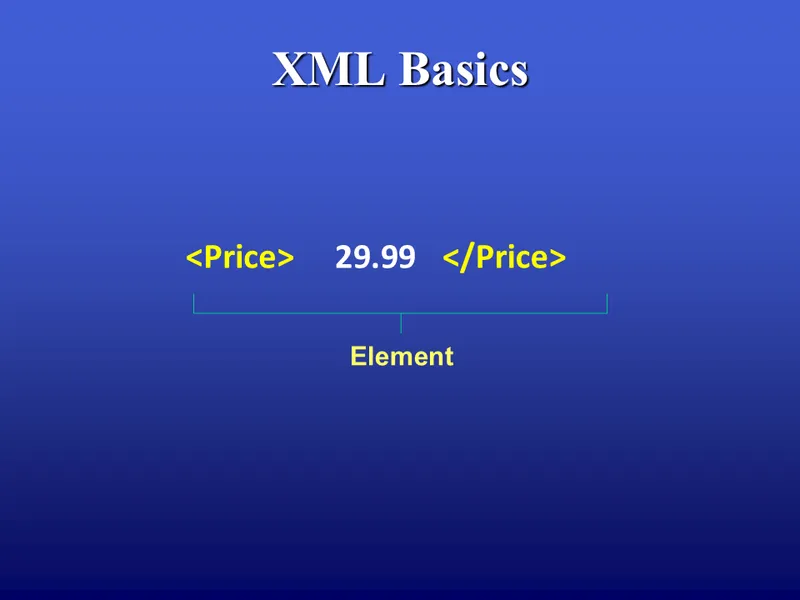
An element is a start and end tag which can optionally surround data.
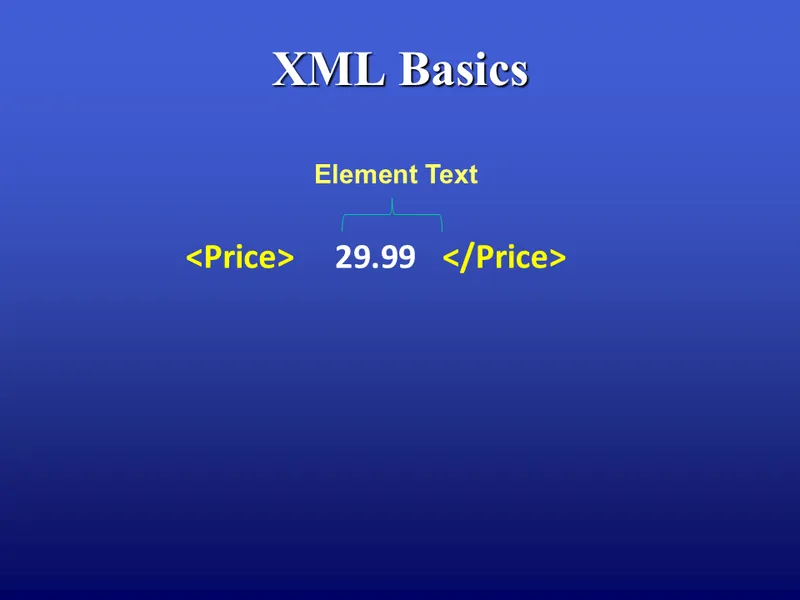
If there is data, it is called “element text”
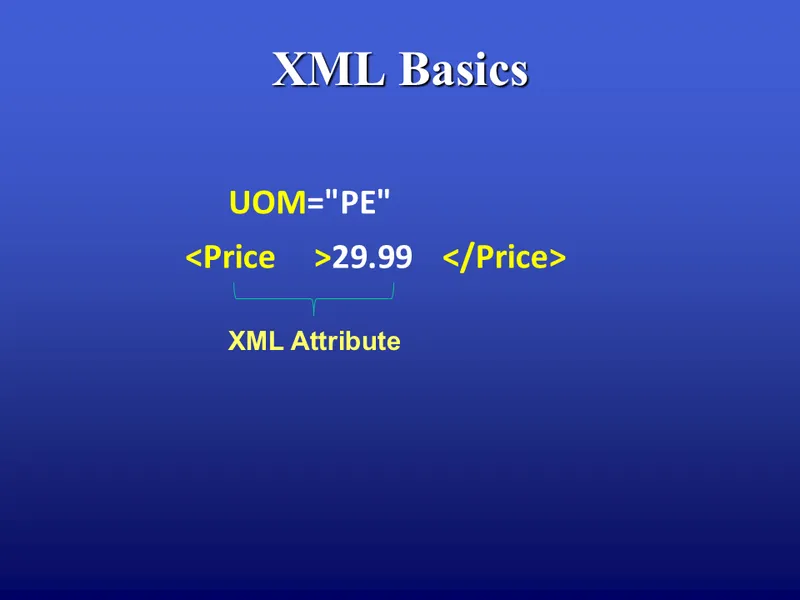
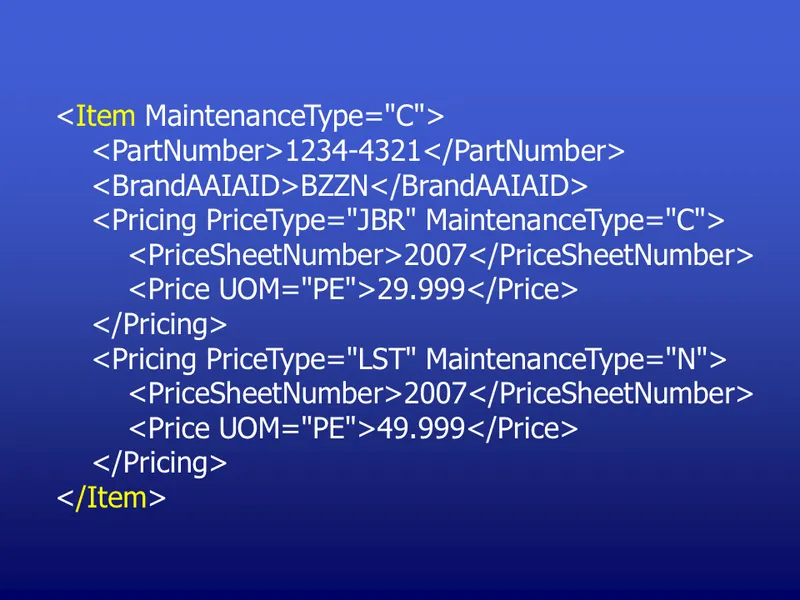
PIES Item element.
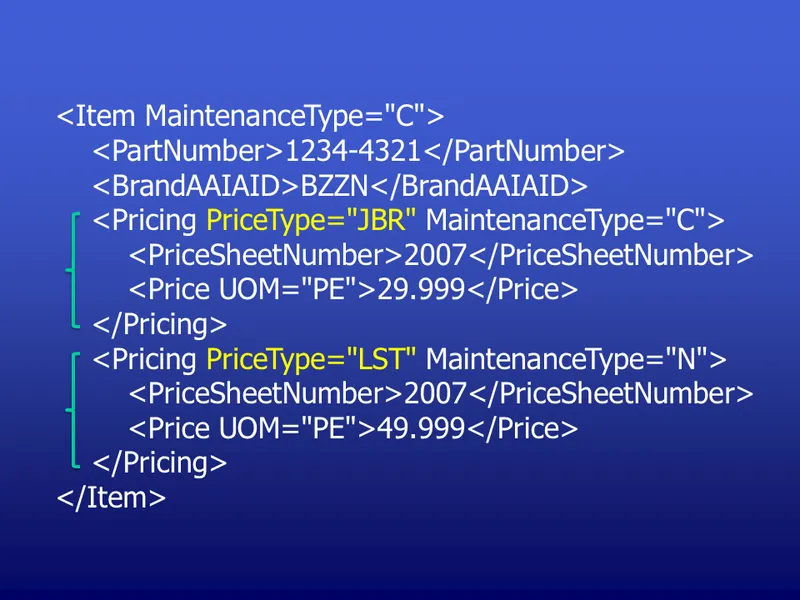
Two price levels.
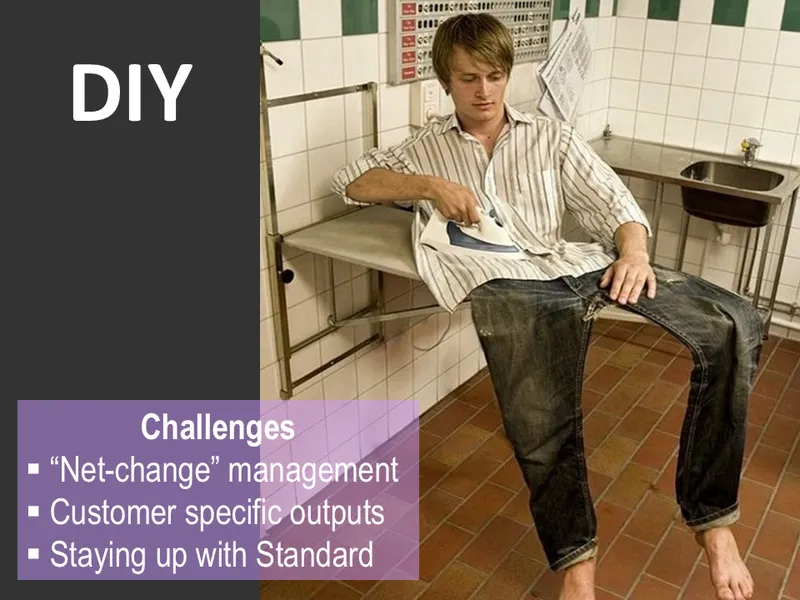
Challenges with creating your own PIES xml.
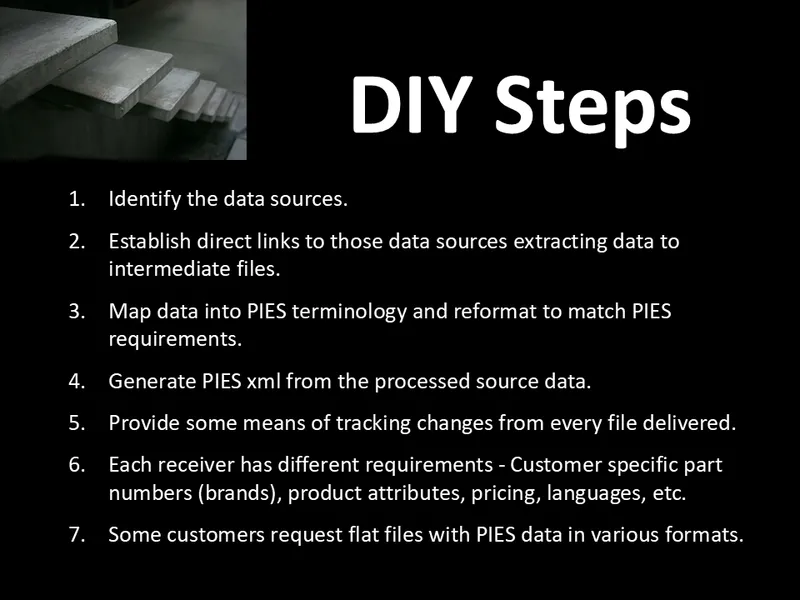
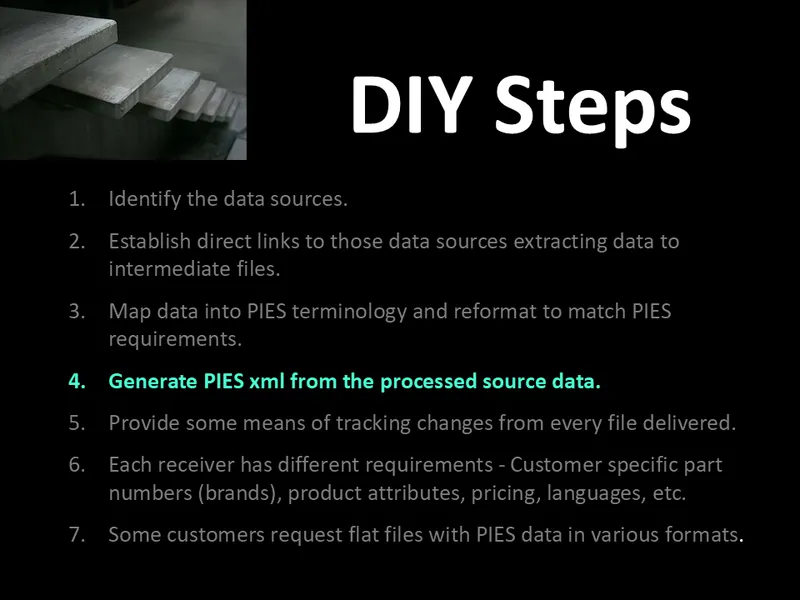
I’m going to concentrate on this one for the rest of the talk.
Your mileage may vary. Proceed at your own risk…
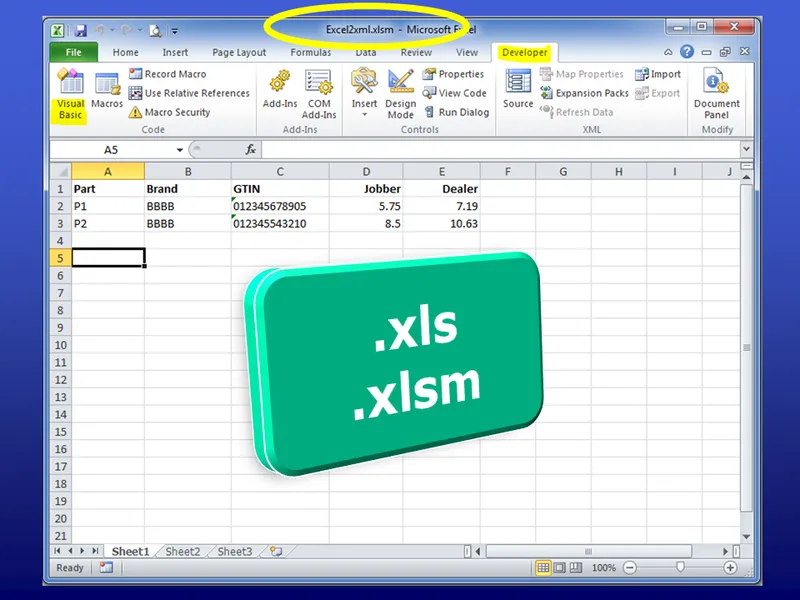
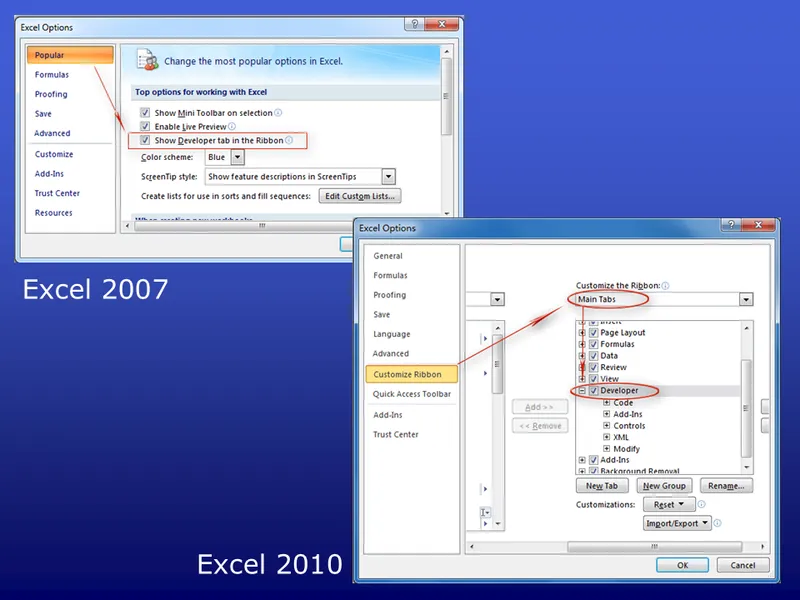
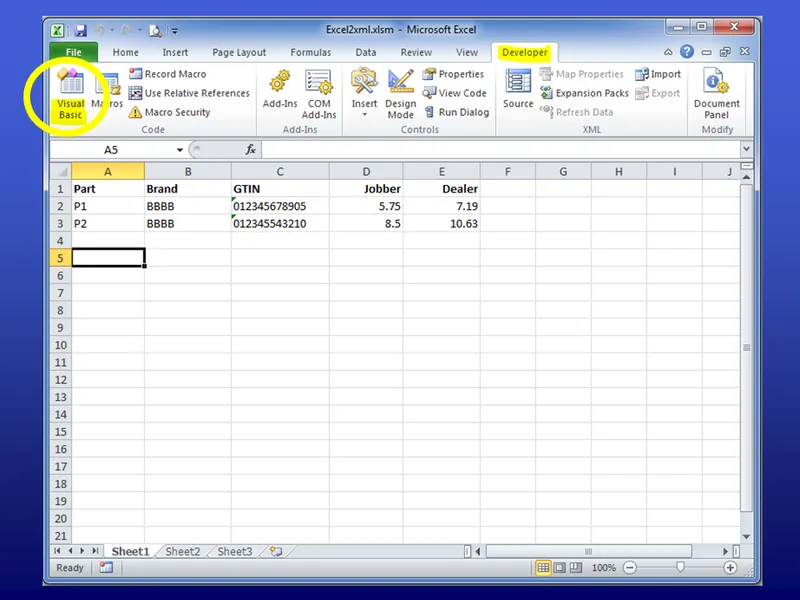
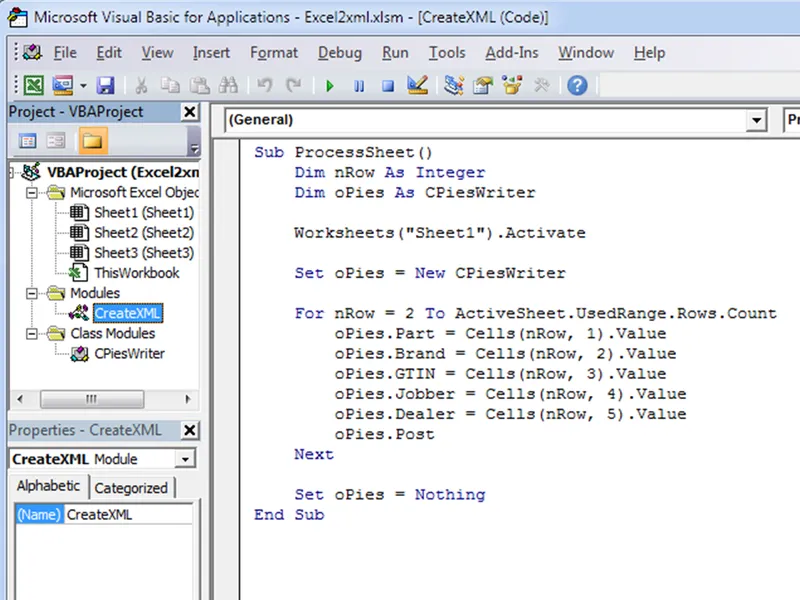
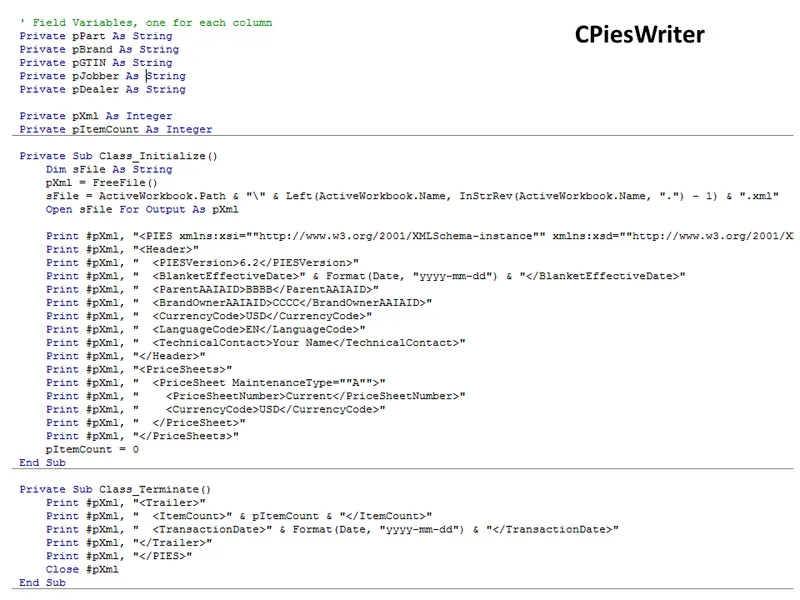
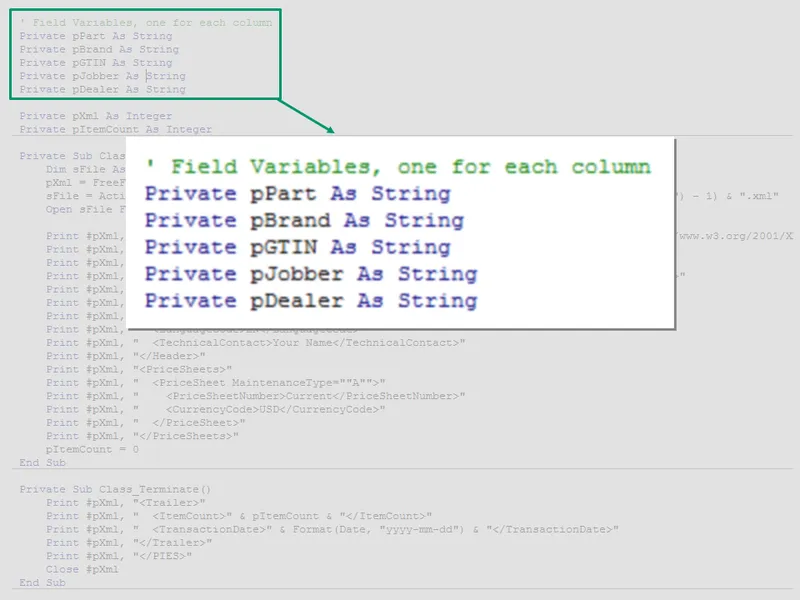
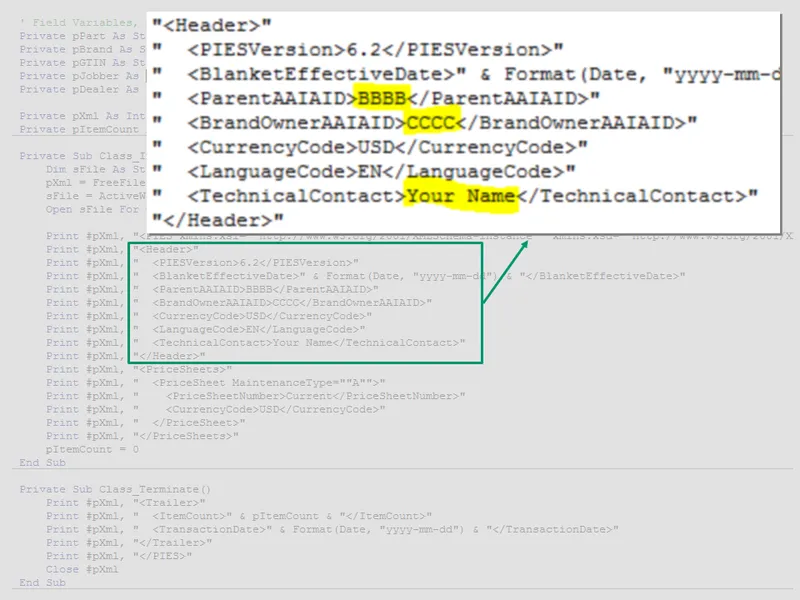
Define header in code.
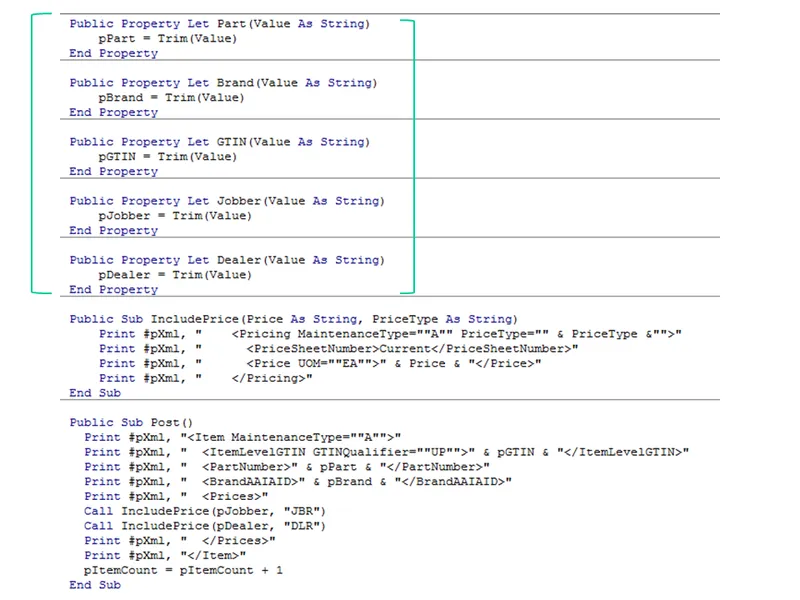
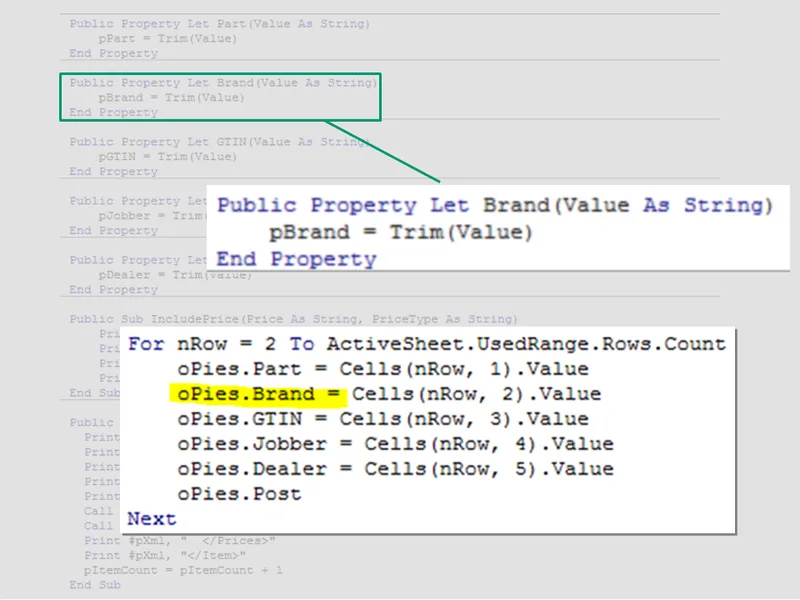
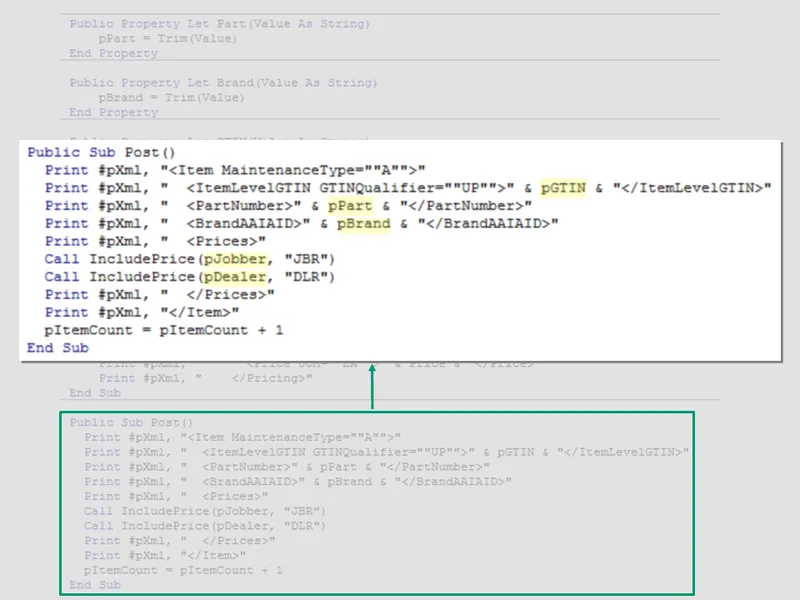
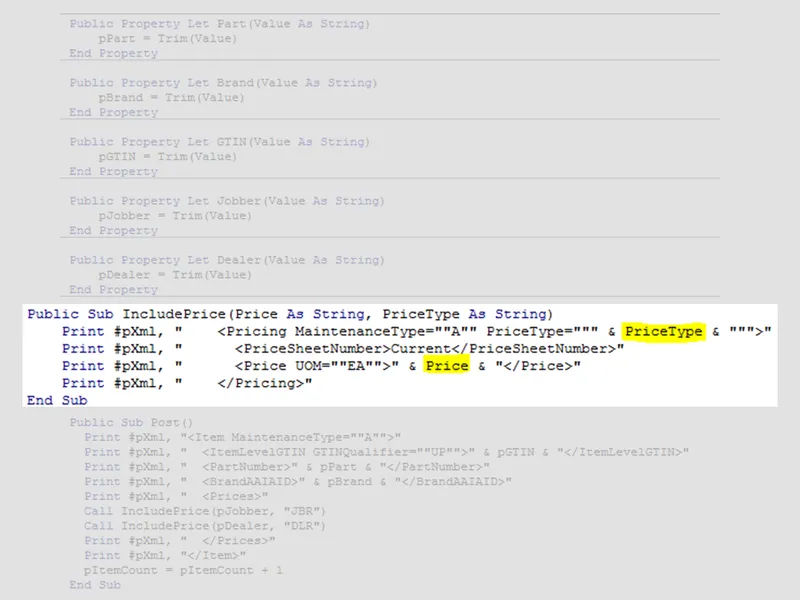
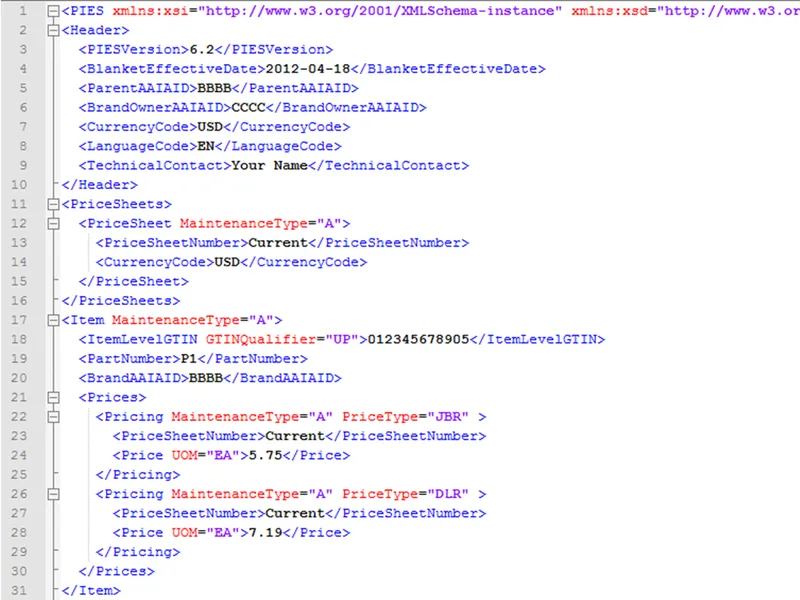
Program output.
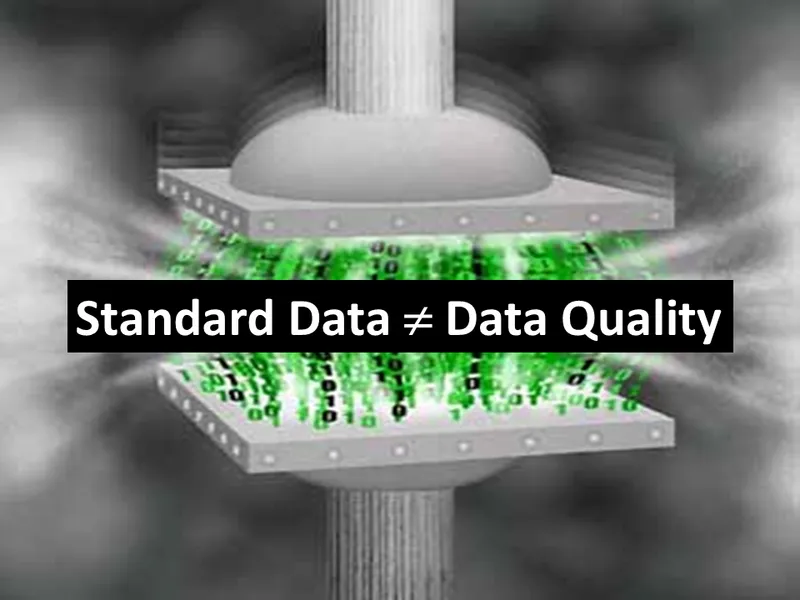
In the past, I’ve said mapping your application data to the ACES standard has the added benefit of improving data quality.
That’s because it forced you to validate against industry data tables. That is not the case for product data and PIES.
Just because you put your data into the PIES elements doesn’t mean it is correct.
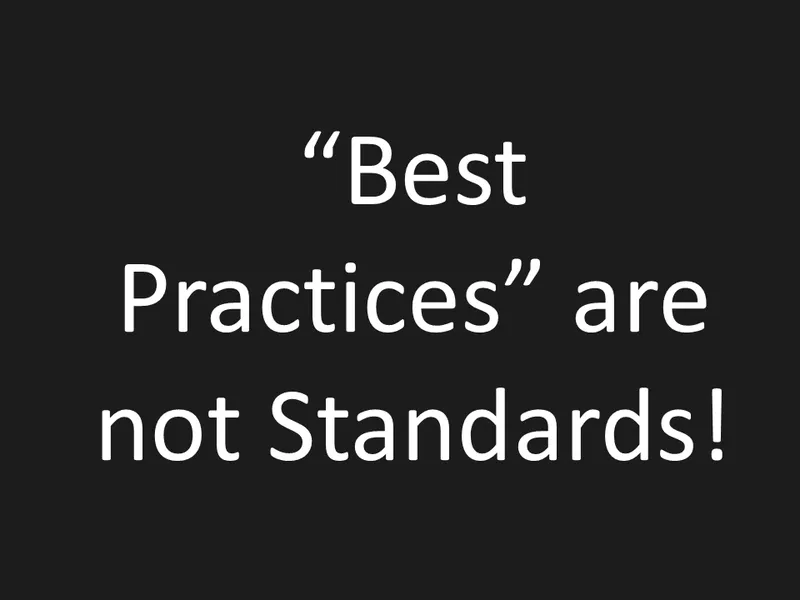
A standard must be black and white.

There can be no middle ground.

Also, we must be vigilant to protect the standard.

Get involved.
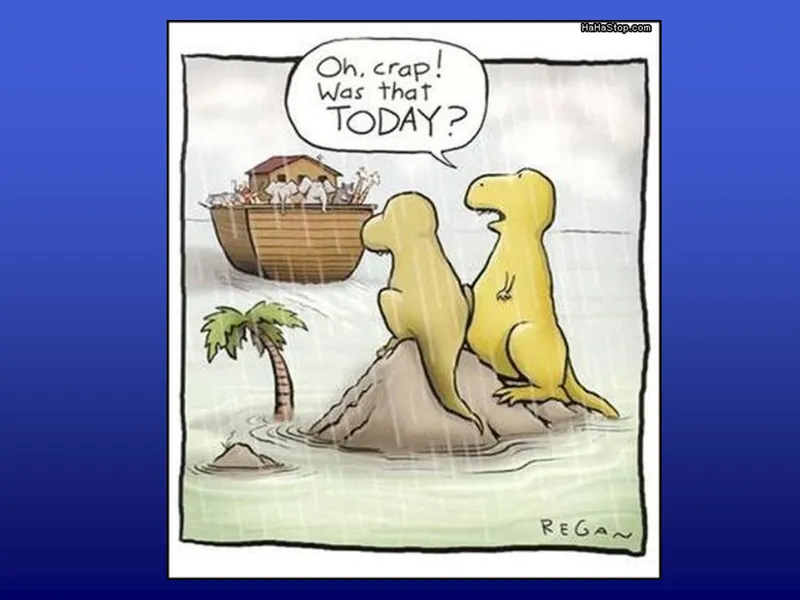
Don’t get left behind.