
It was a beautiful few days beside the bay as a record crowd of over 400 members and guests attended this year’s conference. This was the first year that the NCMA was completely under the AAIA umbrella, and things couldn’t have gone better.
Doug Winsby presented a different way of looking at generating Print at one of the Knowledge Sessions. That presentation was titled “ACES to Print” and is shown below.
Doug also presented at the ACES Boot Camp on Tuesday.
Back in November, Jeff Chalfin asked me if I’d like to give a presentation on the progress of ACES since last year. I thought about that for a while and decided I wouldn’t really have much to report! This is a very good thing.
It shows the maturity of the standard. Things are not changing much. So I offered to present an alternative topic that I called “ACES To Print” instead. The idea was to look at ACES from a different direction than most of us have in the past and maybe throw in some information about current ways to make pdfs.
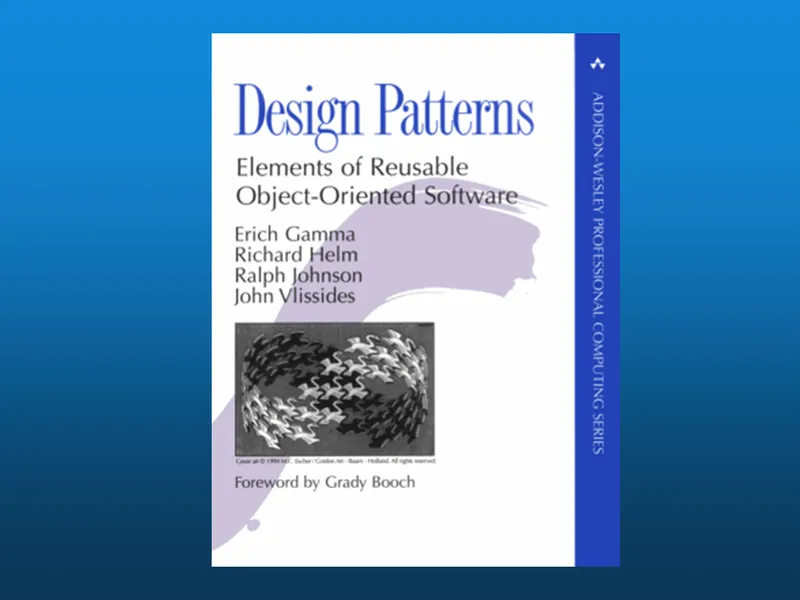
But before I get into all that, I wanted to take a few minutes to talk about the concept of “Design Patterns.” This book was published 15 years ago and is now in its 36th printing. It is the seminal work on the topic.
The subtitle is “Elements of Reusable Object-Oriented Software”, but don’t let that scare you because the concept is really quite simple.
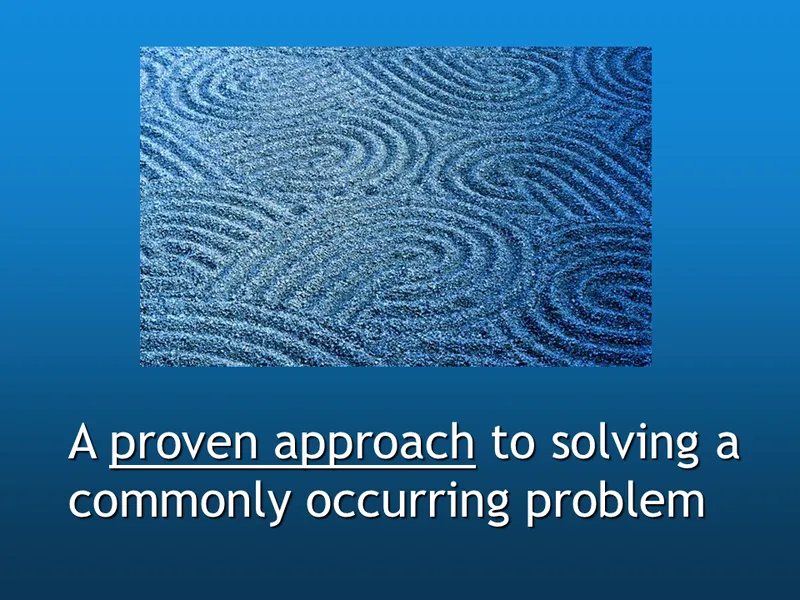
A design pattern is just a proven approach to solving a commonly occurring problem. It’s kind of like a “template” that can be used in many different situations.
So, why would this be a good thing? Presumably, these patterns can be used to keep you from making the same mistakes someone else did.
For example…

This was probably not the best design choice.

And this is probably not the best way to transport paint.

And this picture shows there is definitely a wrong way to fill your tank.

So, if Design Patterns are a “Best Practice” template to solving a problem, there must also be a template for how NOT to solve a problem. These are called Anti-patterns.
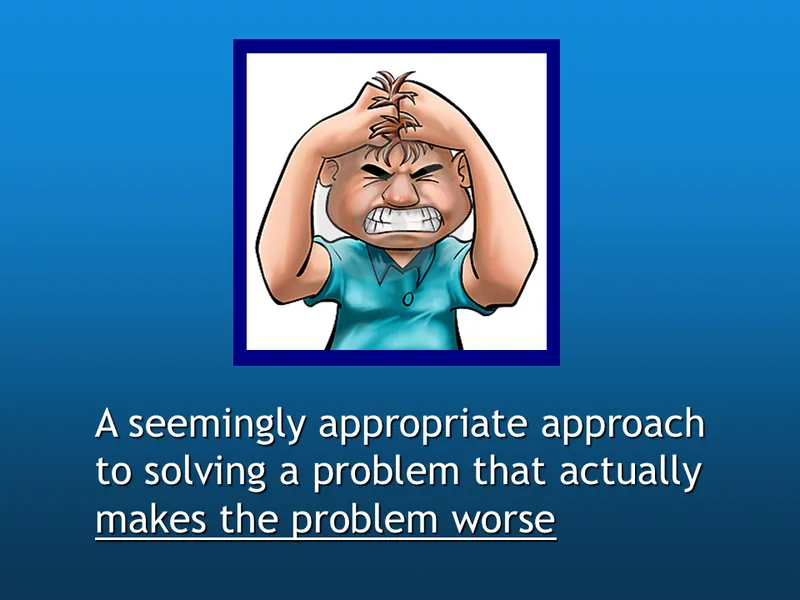
An anti-pattern is a seemingly appropriate approach to solving a problem that actually makes the problem worse. They’re sneaky, because to some people they look like a good idea.
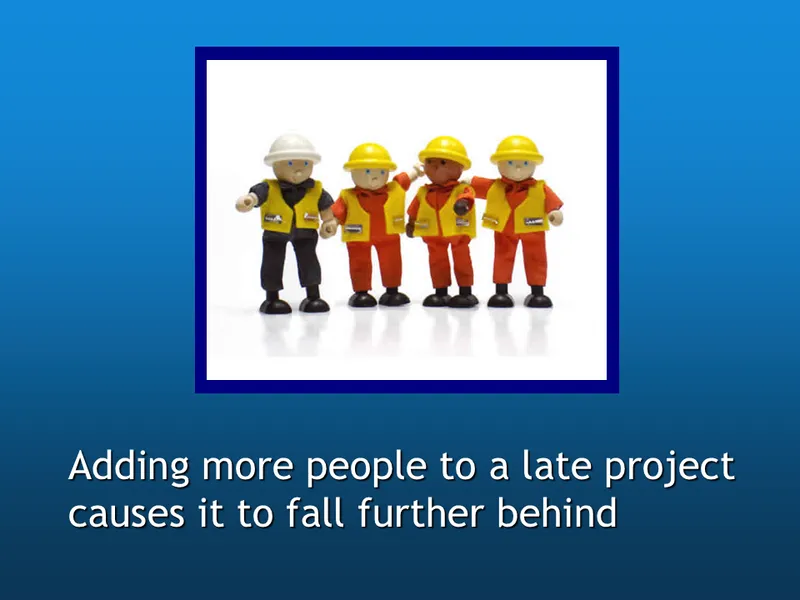
“Adding more people to a late project causes it to fall further behind.” This is probably the most famous anti-pattern of all and was first described by Fred Brooks in his book titled The Mythical Man-Month published in 1975.
Another way to say the same thing is “it takes 9 months to have a baby no matter how many women you put on the job.”
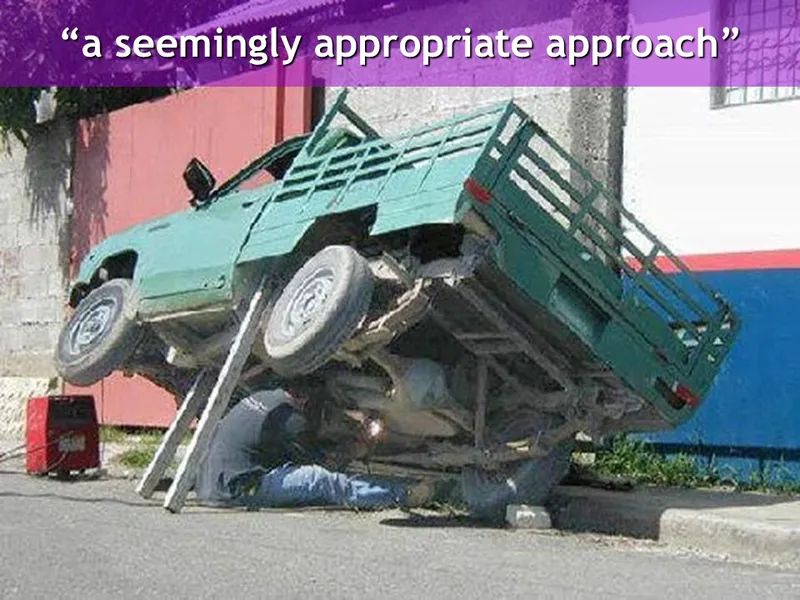
Here is a “seemingly appropriate approach” (at least to this guy!) He used sturdy chucks to secure the wheels, a solid support system to elevate the vehicle… I’m not sure about his decision to weld the gas tank…
In the next few slides, I thought I’d go through seven common anti-patterns. As I go through them, see if you’ve ever run into any of these at your company.
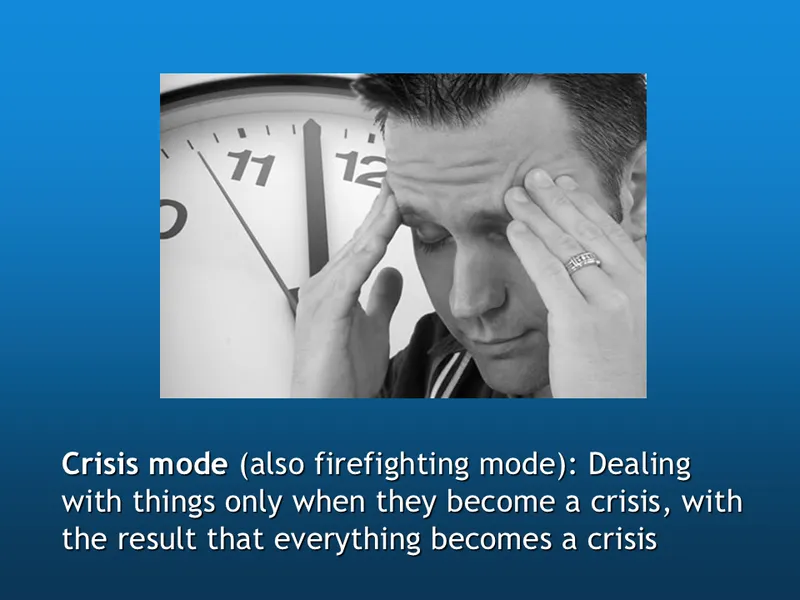
Catalog managers never need to put out fires, right?

Never “pulling the trigger.”
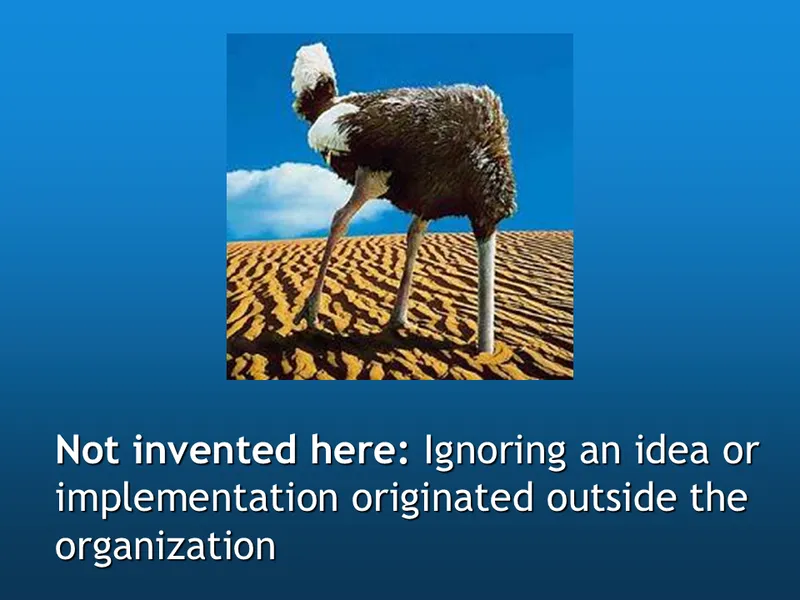
This used to often go hand-in-hand with “Kingdom building”, but I really don’t run into this too much anymore.
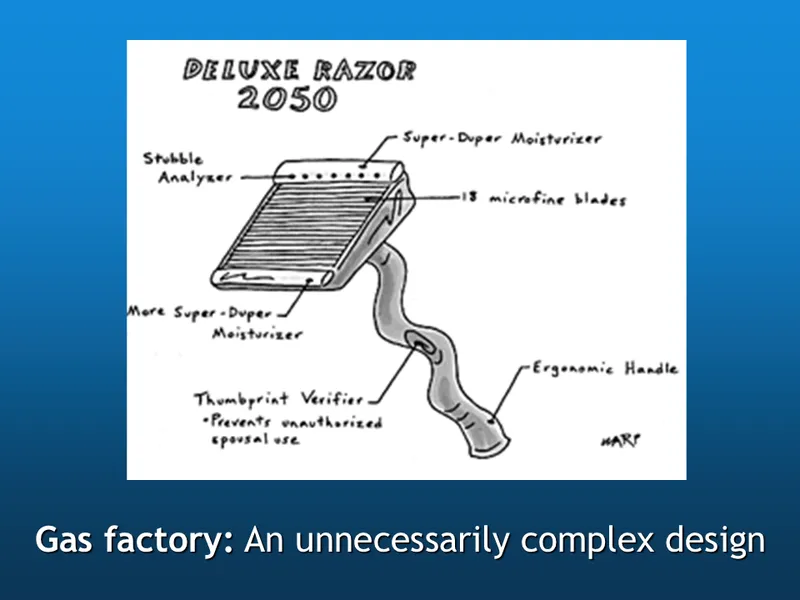
“Gas factory, an unnecessarily complex design.” I think they should have called it KISS (Keep It Simple Stupid) or Feature Creep.
But this cartoon from the New Yorker is a pretty good example of it regardless of the name. Notice the “stubble analyzer”, 18 “microfine blades” and the “thumbprint verifier”.
This sometimes happens when you try to “Design by Committee”. I wasn’t too surprised, then, to see this razor developed by Gillette…

They only have 5 “PowerGlide” blades, but they do have an “on-board microchip” (for what purpose, I’m not really sure).
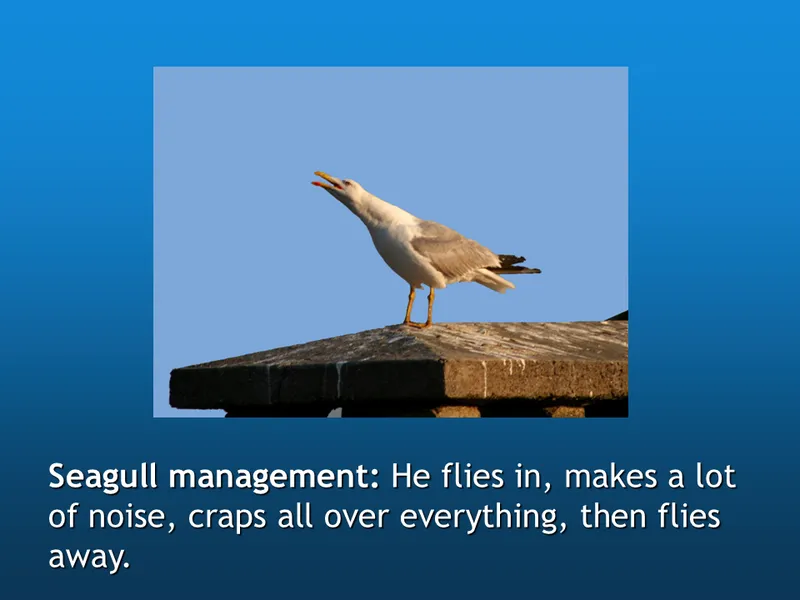
I just thought that was funny.
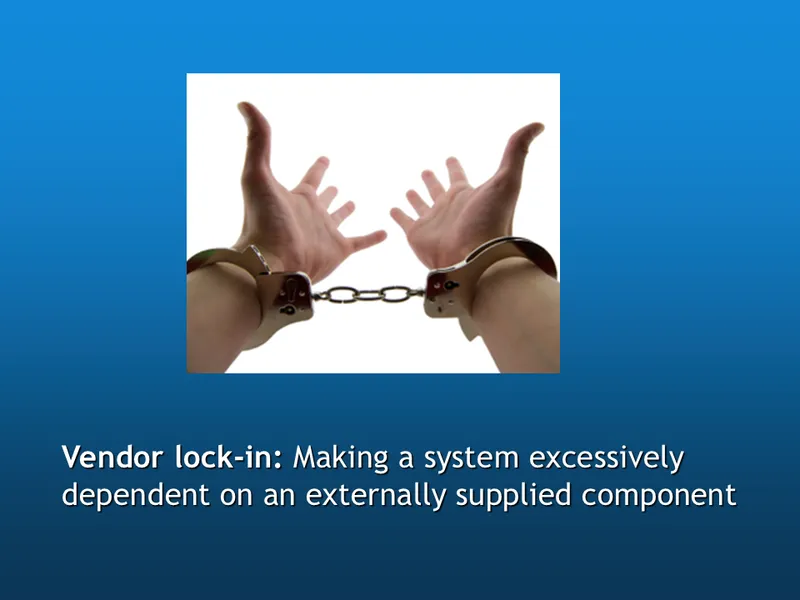
“Vendor lock-in: Making a system excessively dependent on an externally supplied component.” The best way for an organization to avoid becoming a victim of vendor lock-in is to use products that conform to free, industry-wide standards.
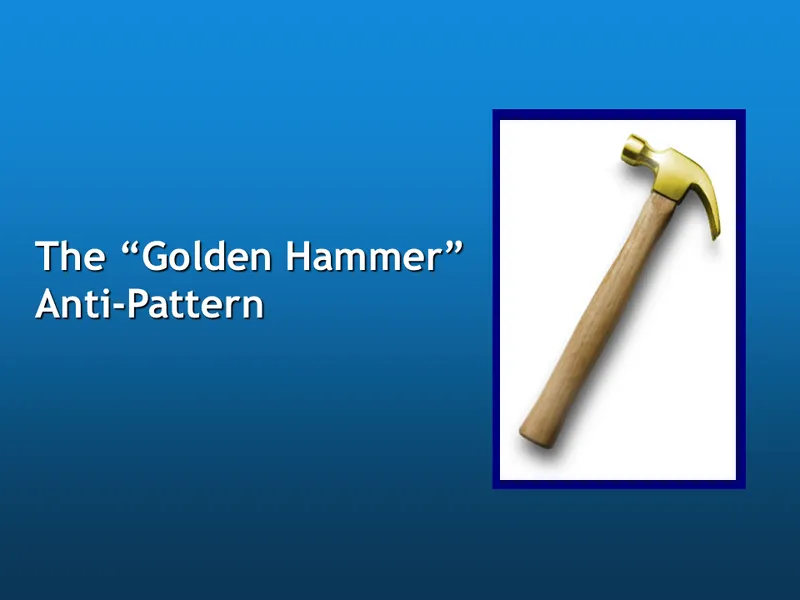
This last one is similar. Has anyone ever heard of the “Golden Hammer” anti-pattern?

No Chris, it isn’t the prized weapon found by Peach in the Super Smash Brothers Mario game.
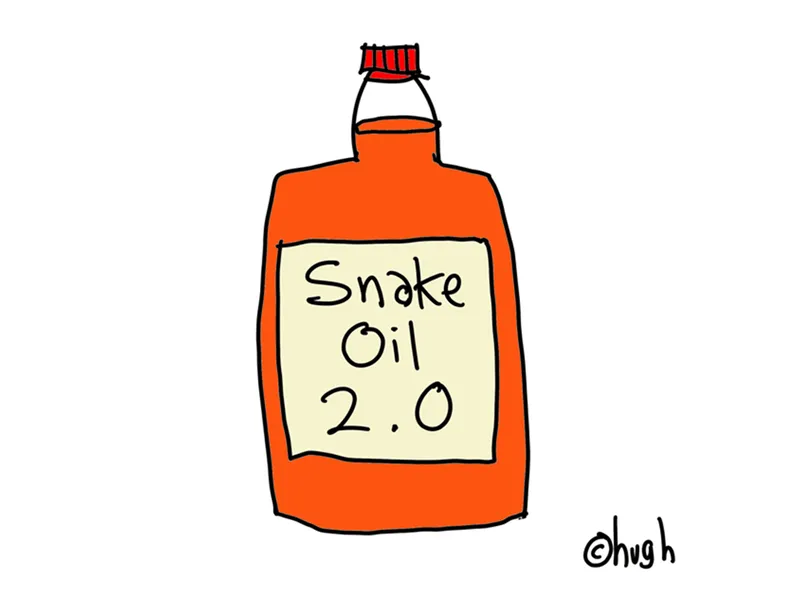
A “Golden Hammer” is any tool, technology or buzzword whose proponents enthusiastically sing its praises saying it will solve multiple problems, including some for which it’s obviously not suitable. It often uses vaporware or unproven technologies to maintain vendor lock-in.
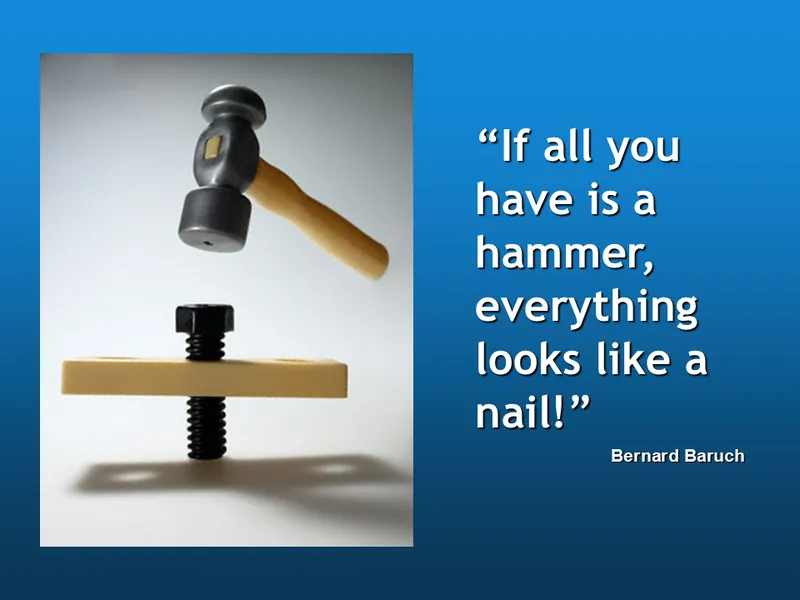
This is another way to say the same thing. “If all you have is a hammer, everything looks like a nail.” In other words, one size does not fit all. What’s right for one company may not be right for another.

And that really sums it all up right there. Use the right tool for the job
Now I want to talk a little bit about Catalog Workflow.
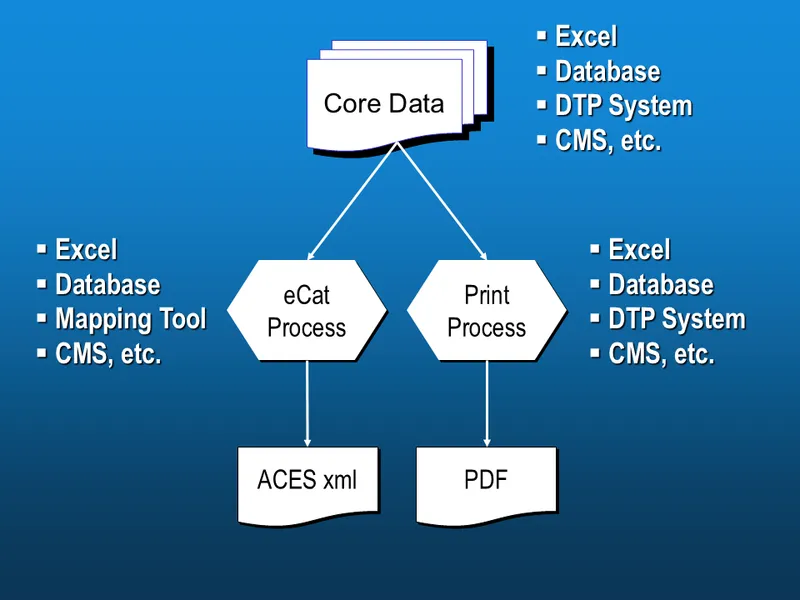
This is the standard way to produce eCat and Paper catalogs. It’s interesting that the same tools to maintain the Core Data can also be used to print the catalogs.
But what if we didn’t take both paths from the Core Data? What if we produced the printed catalog from the ACES xml file, like this…
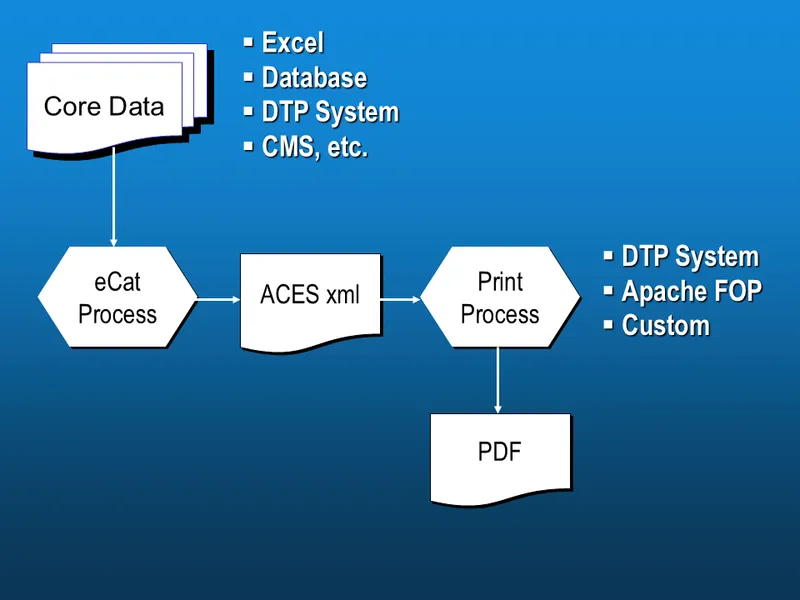
Why Would You Want to Do This?
The process of producing an ACES file ensures accurate and consistent data.
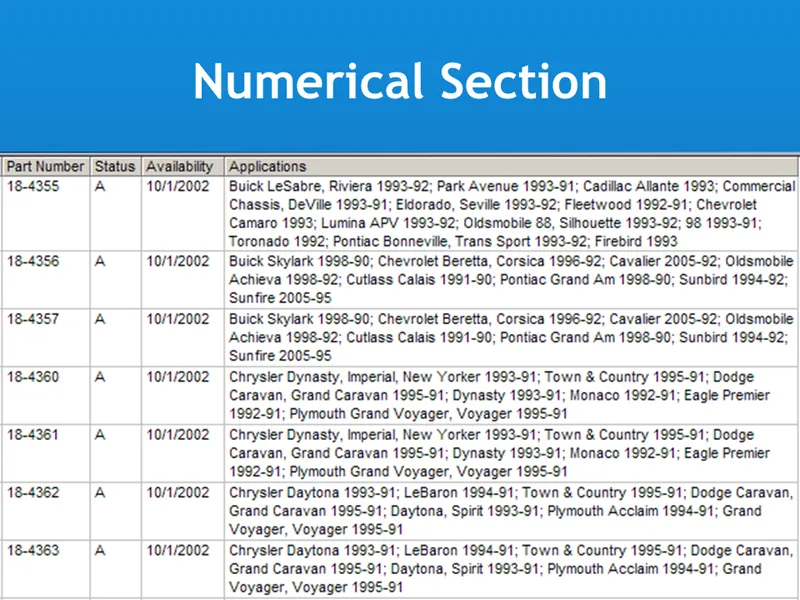
A normalized ACES file makes generating a “Numerical Section” with applications relatively simple. This is particularly true if, for example, your data was stored in an “engine-specific” format to begin with.

But what is it that make application catalogs so difficult to produce?
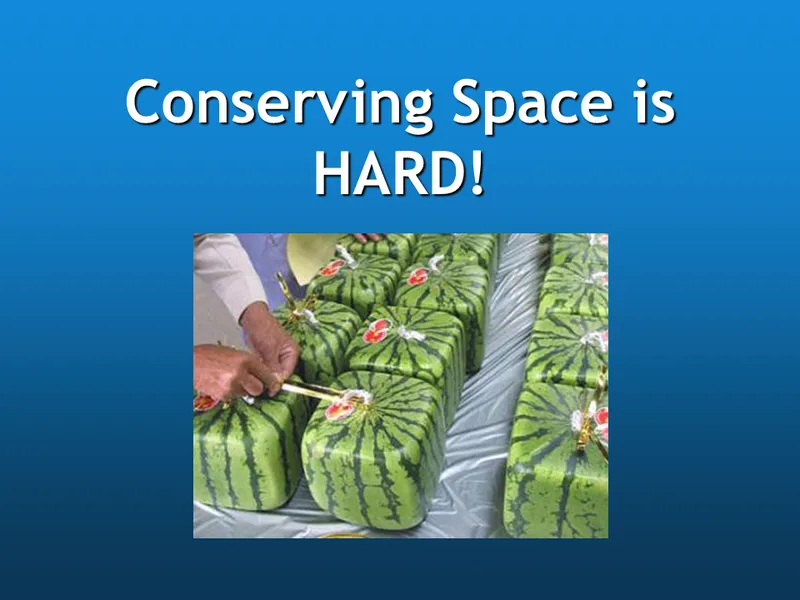
It turns out that most of the difficulty comes from trying to reduce page count. Let’s look at some of the common ways this is accomplished.
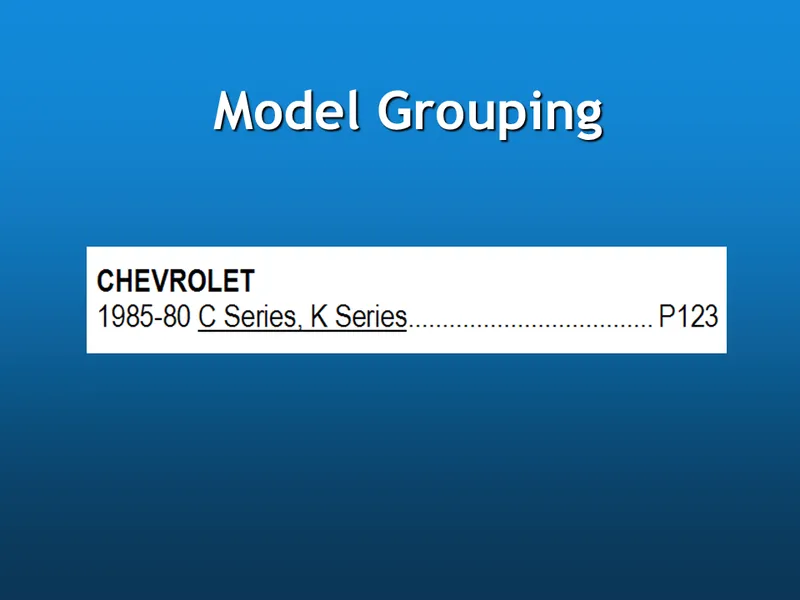
Here we show how similar models are combined as a short hand way to show them. This would not need to be a “Series” as in this example, but could be just a list of models that all used the same part.
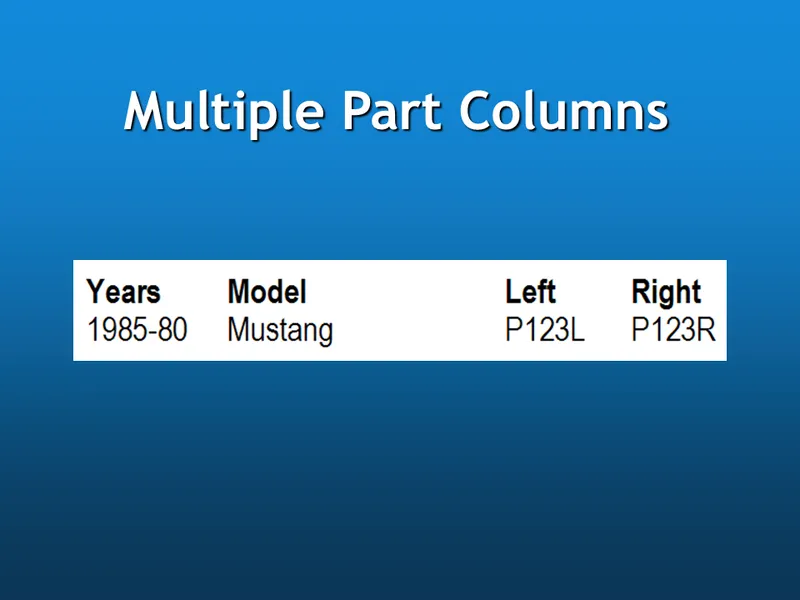
It is often desirable to show related parts on the same row. In this case we have separate columns by position, but it could just as easily been by a fitment note (with and without AC, for example) or a product category.
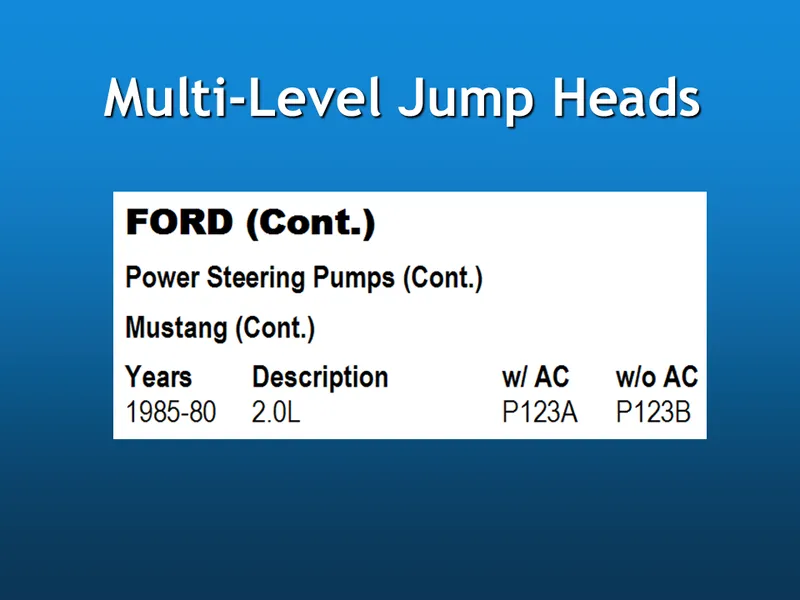
Because a printed catalog is broken up into the available space, we also need to keep context between columns and pages with repeated headings as appropriate.
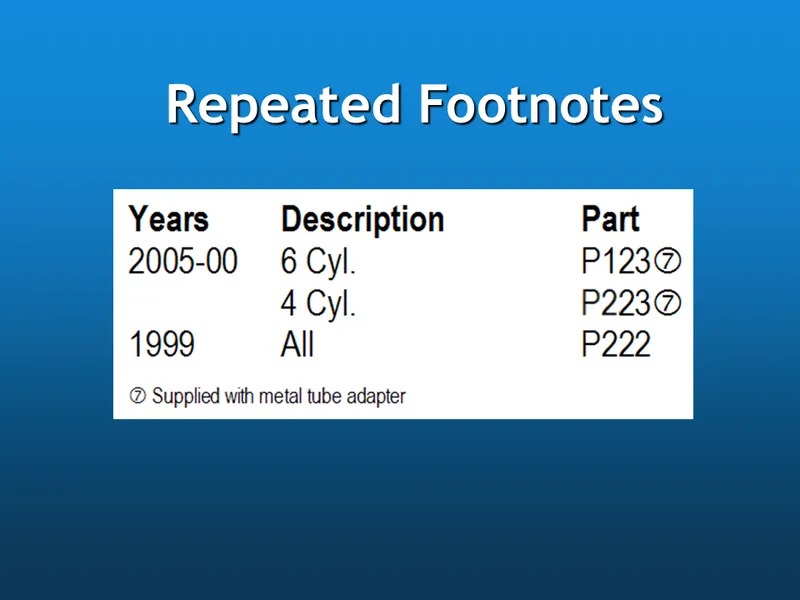
Footnotes are a great way to conserve space, but they can affect readability and are often repeated (which is usually not supported by DTP systems where they expect one footnote “reference” on the page to match one footnote at the bottom of the page).
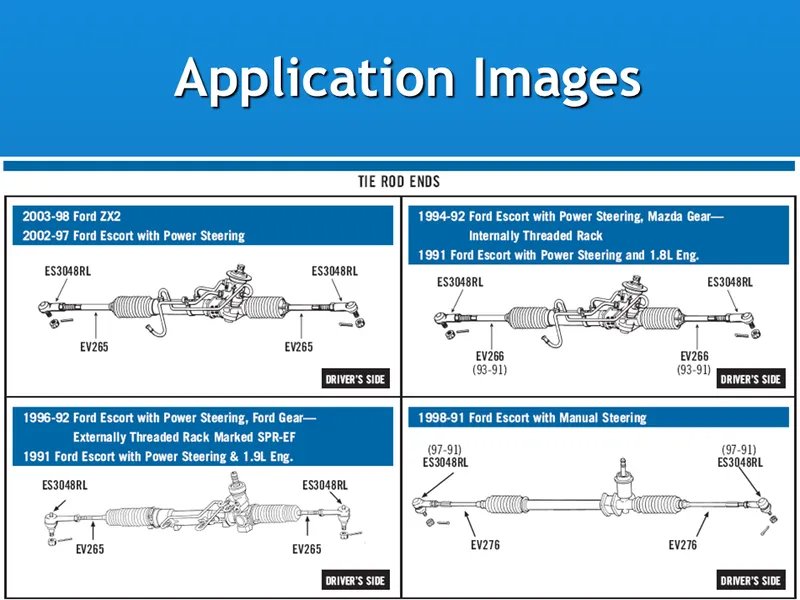
Application images are always a challenge, but ACES does have support for them.
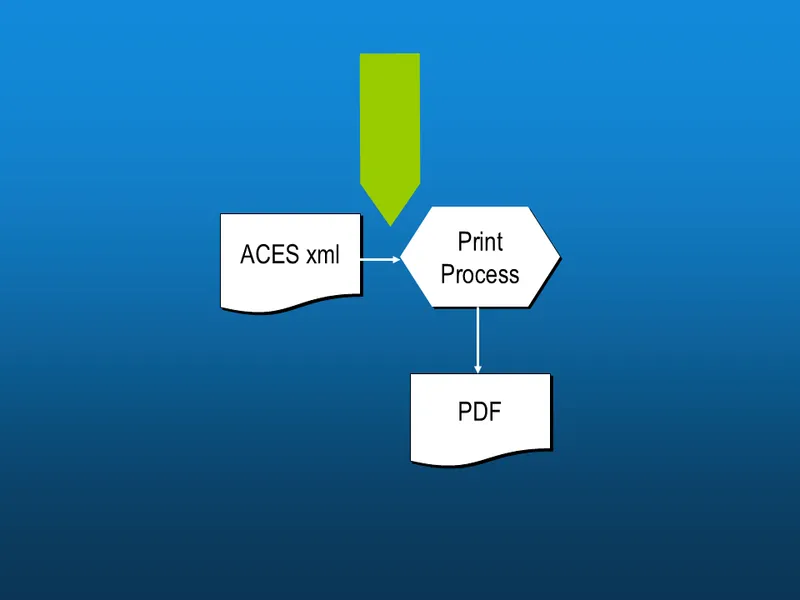
So going back to the diagram, you really need some complex custom processing to produce an “intermediate” xml file from ACES data. In other words, there is still a lot of work to do once you have an ACES file to make it ready for print.
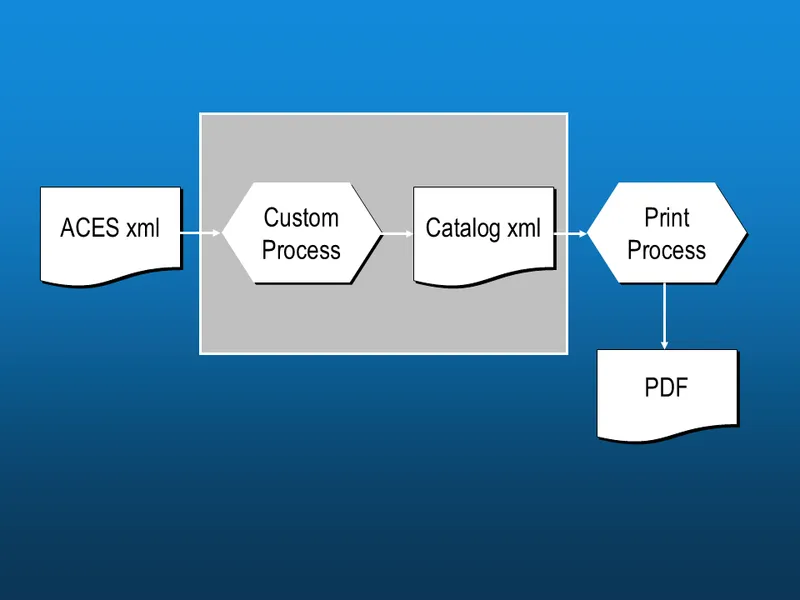
This is how that process might look. Here we show the creation of a new xml file specifically for producing the printed catalog.

To demonstrate this, we put together a little example using some custom programming, Adobe InDesign and Javascript.
(☹ Unfortunately, this source code is lost to history…)
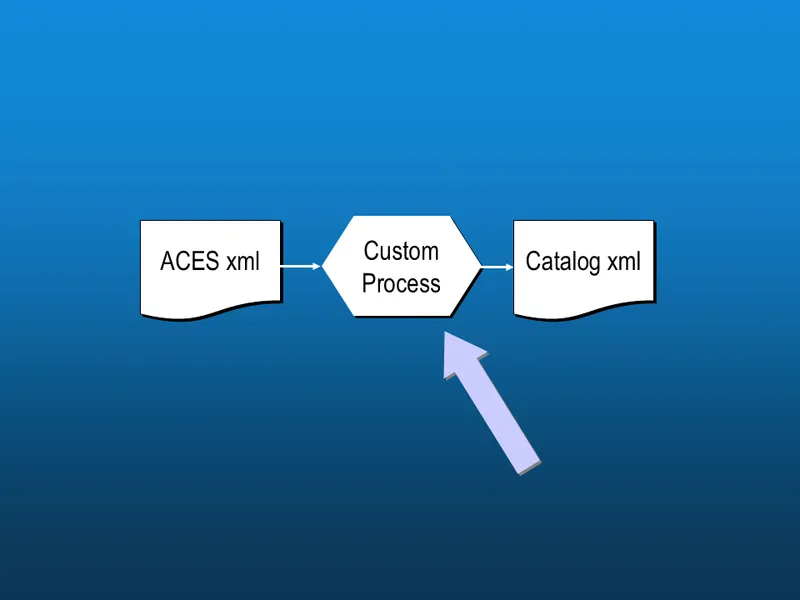
So going back to the diagram, we wrote a translation from the ACES xml file to a “Catalog xml” file.
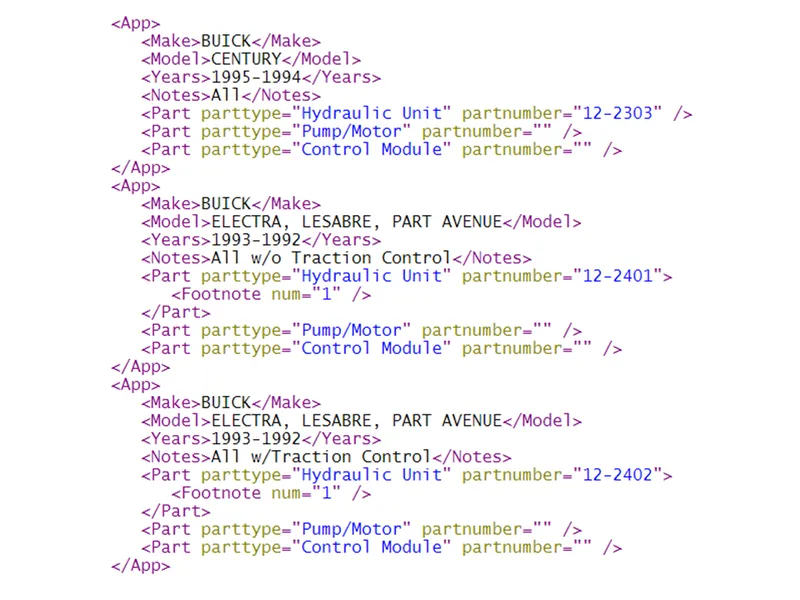
And it produced some xml like this…
Notice it no longer looks like an ACES file. It is in a format that satisfies the requirements of a PRINTED catalog, rather than an electronic one (e.g. without ID values).
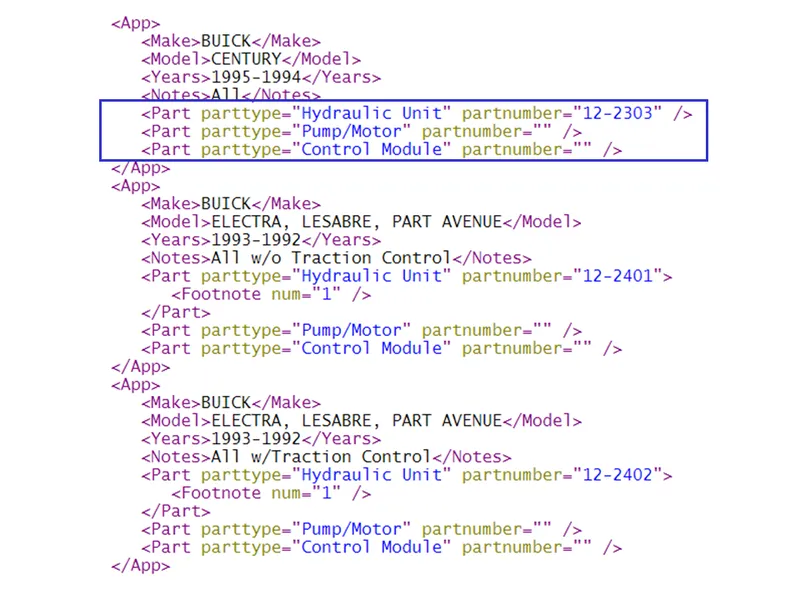
Notice the multiple part columns.
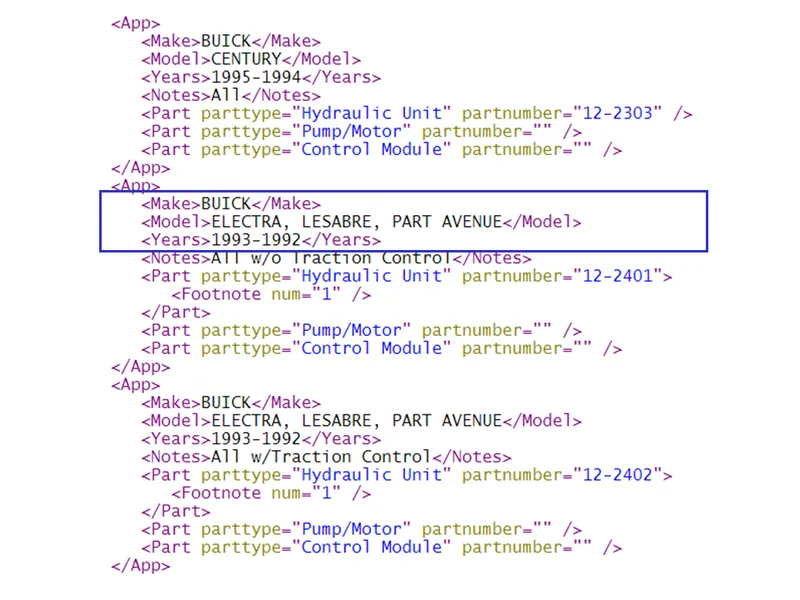
Model and Year grouping…
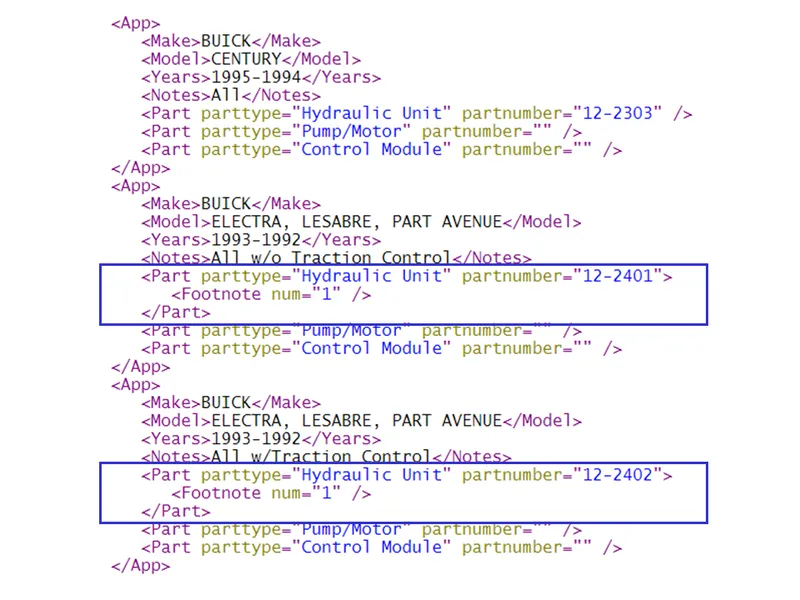
And repeating part footnotes.
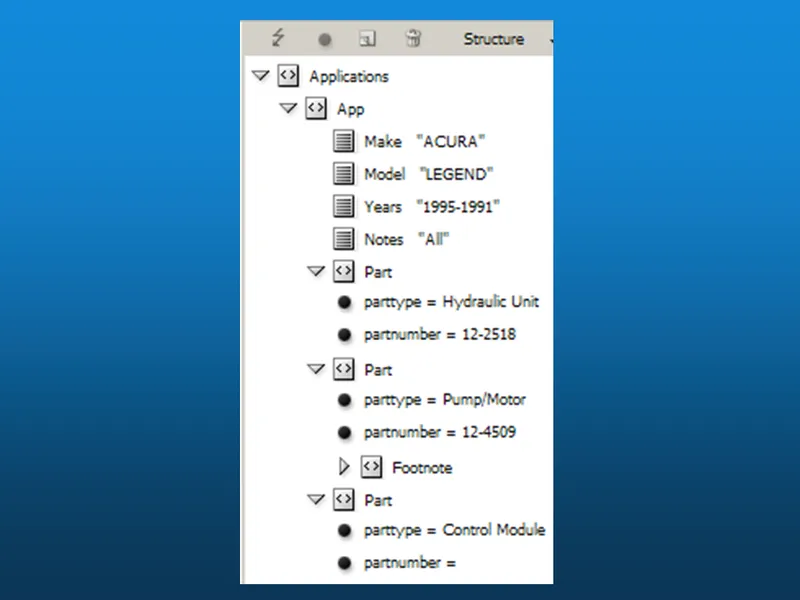
The desktop publishing system knows how to interpret a structured xml file. Here, we simply imported it into InDesign.
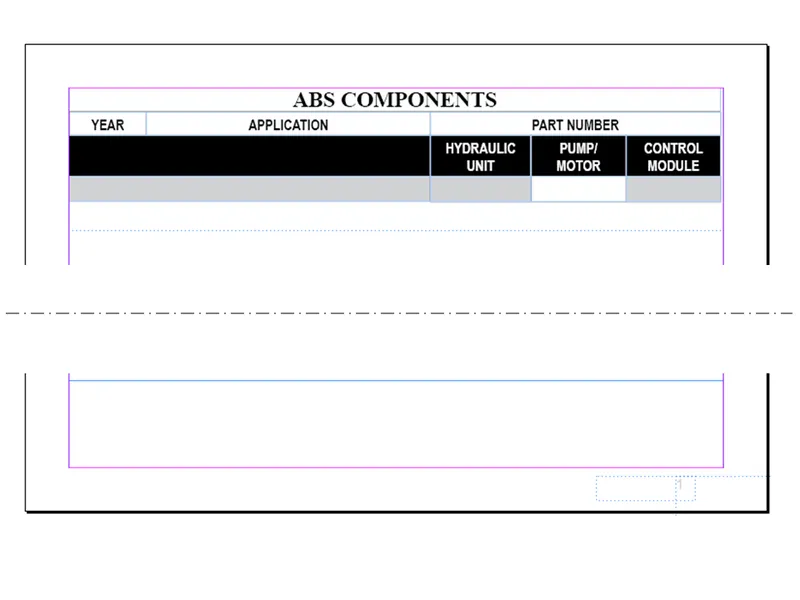
And it can apply that xml data to a master page “template” as shown here.
The top of the screen shows the headings and the bottom of the screen shows the footnote and page number place holders.
This template could have just as easily been set up for a two-column (“snaked”) design, if space permitted.
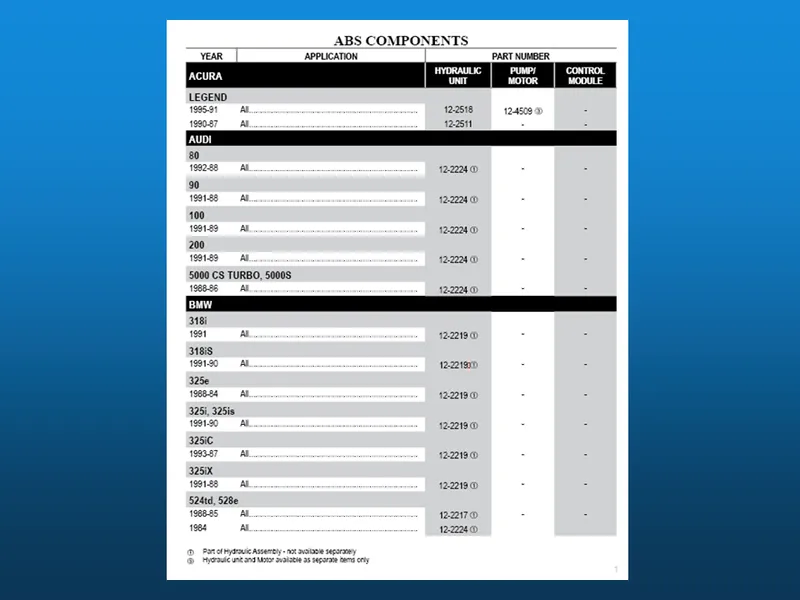
Here is the first page of the finished document.

Let’s look at some of the publishing solutions available today.
I won’t be showing any specific catalog management systems, but most of them use a custom report writer of some sort to produce the PDFs.
One downside to this programmed approach is the tight-coupling between the program code and the output format. This is a fine solution, but not as flexible as using a full publishing system.
Generally, with these systems, you’d need to make a change to the program to make a simple page-formatting change like spacing or font selection.
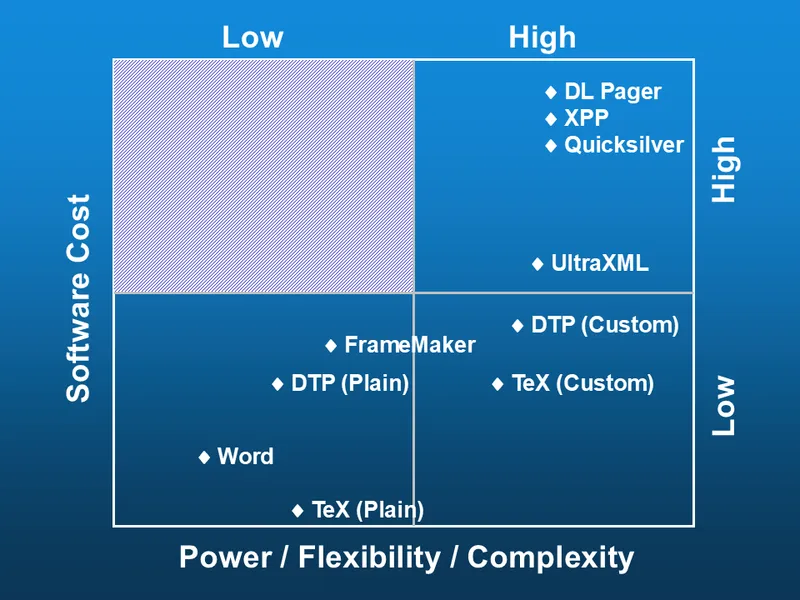
This four-quadrant chart shows publishing systems plotted by cost versus power. Notice there are few solutions in the Low-cost, High-power (lower-right) area.
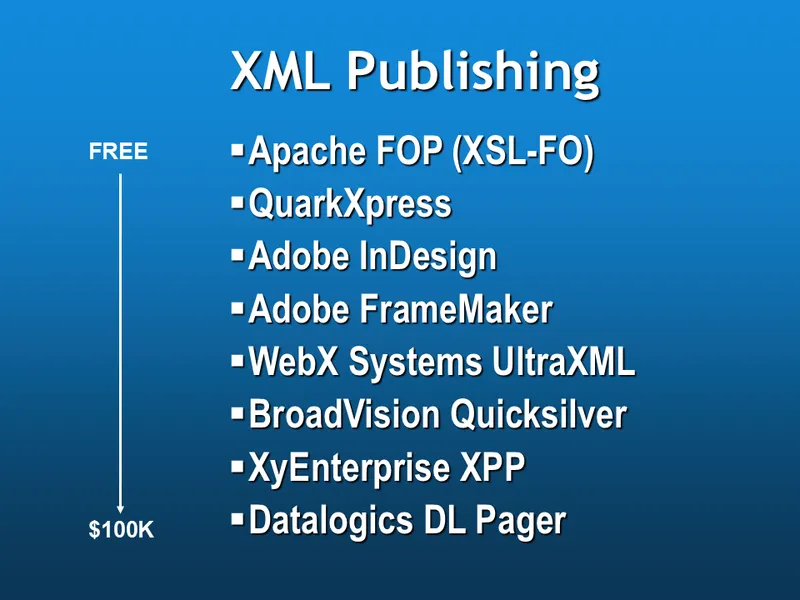
Here are the relative costs for a few popular systems.
Note: In 2015, Winsby Group launched its own simple, yet powerful publishing system designed specifically for the automotive aftermarket. You can get more information here: https://winsbygroup.com/products/aceprint

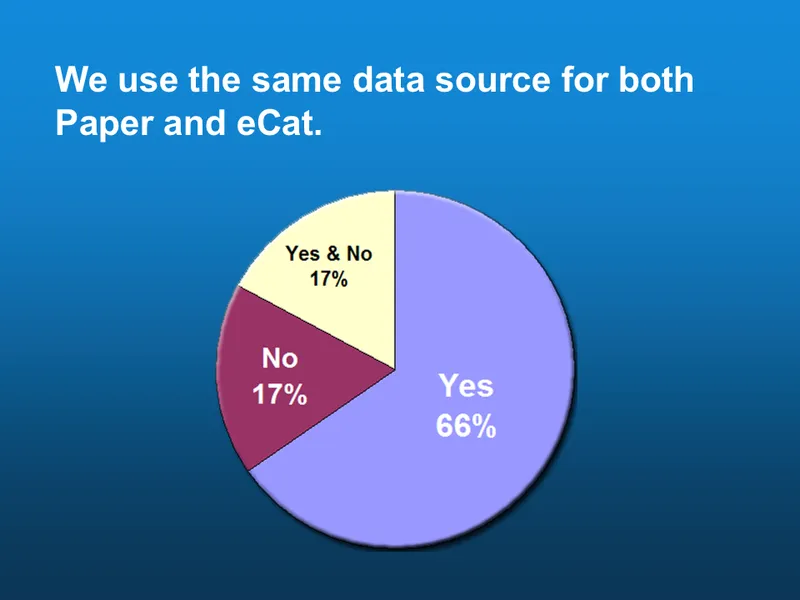
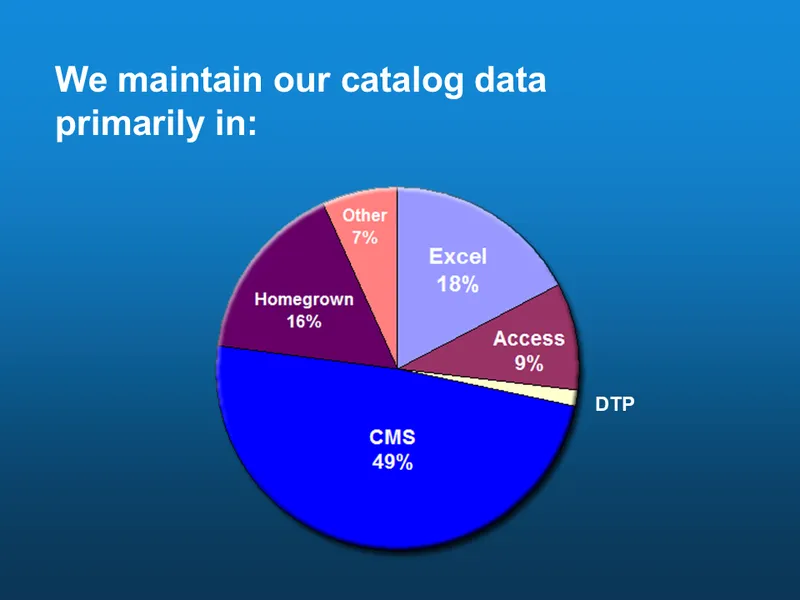
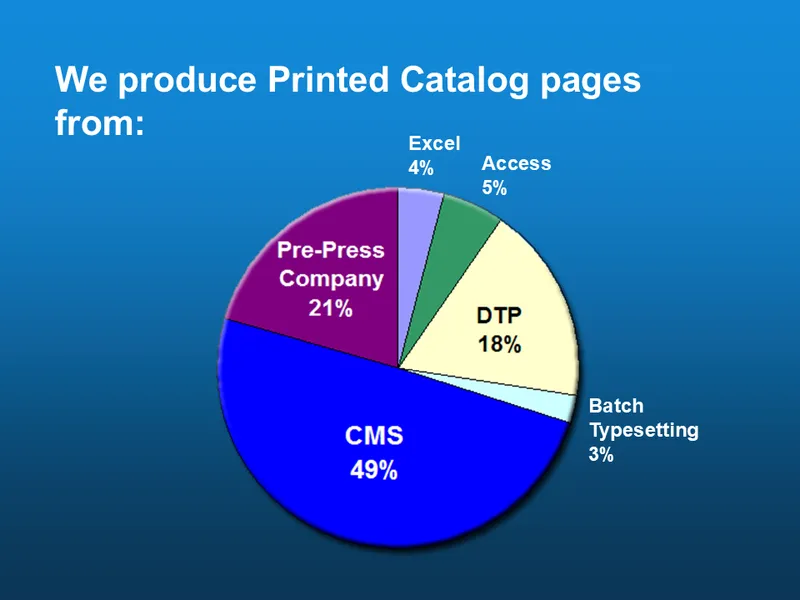
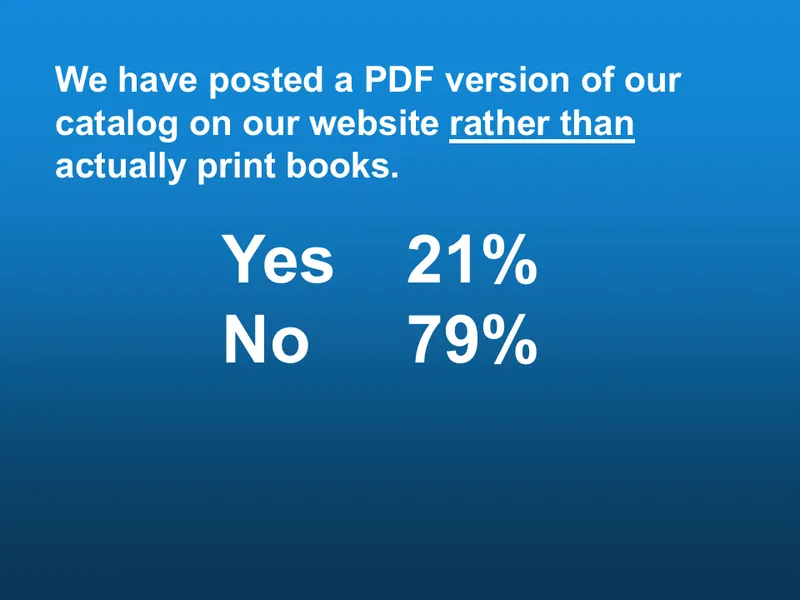
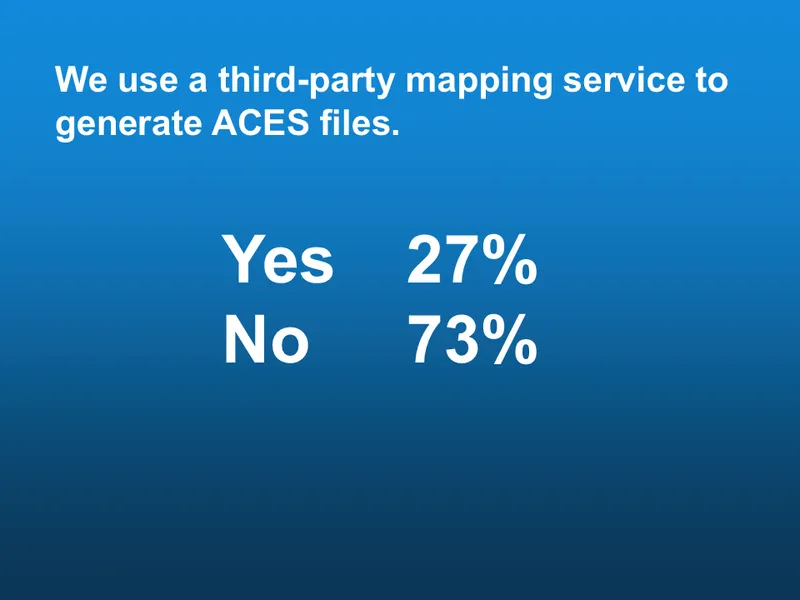
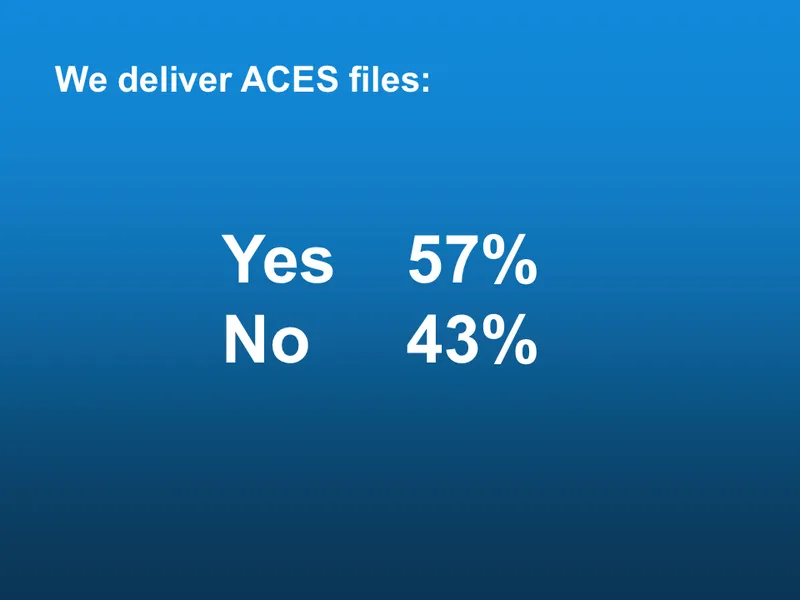
Finally, I’d like to report the results of an industry survey that we helped put together.

As you can see, there was pretty good participation.
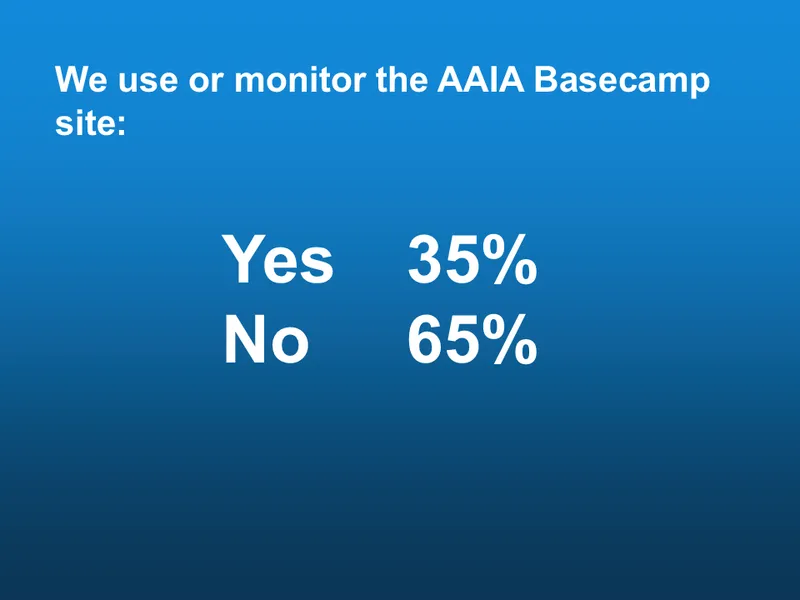
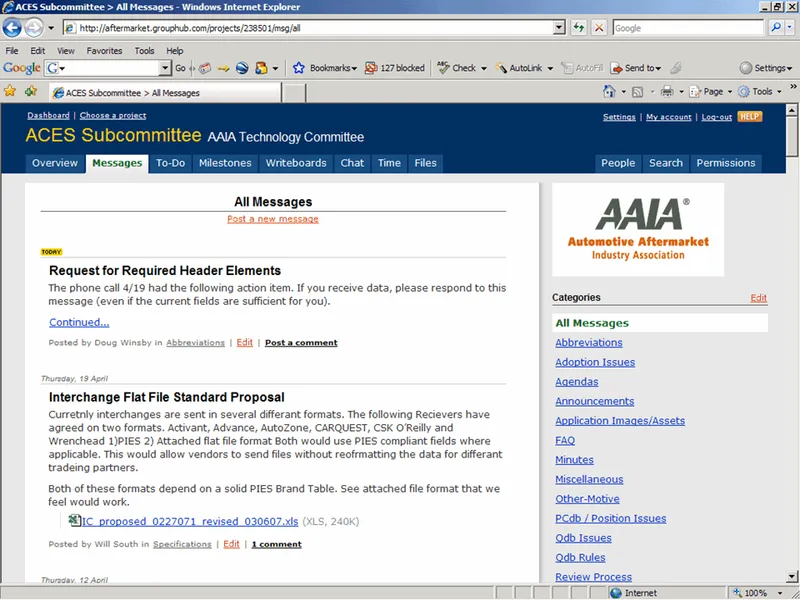
Under my leadership, the ACES subcommittee started using an on-line collaboration tool called Basecamp in October 2005 to organize, coordinate and document our work. This tool has now been picked up by the other subcommittees and is a great way to participate in the design and direction of the standards.
I encourage all of you to ask Scott for a login. Even if you don’t want to contribute, it’s a great resource to keep up with what’s going on.

And finally, I just had to find a place to put this picture…